This comparison is written by CardCounter. It uses the official sources listed below, checked on October 6, 2026, and is not an independent live benchmark.
What to take into the demo
- BinderPOS is a specialist hobby-retail option with documented Shopify and TCGplayer connections.
- CardCounter connects exact inventory, collection buying, counter sales and customer credit; external connections require confirmed setup.
- Check onboarding availability and a complete written quote before planning a switch.
Compare two card-shop workflows
This comparison is written by the CardCounter team. We reviewed BinderPOS’s public product page and help documentation on October 6, 2026; we have not independently benchmarked a live BinderPOS shop. The practical recommendations below are our assessment of fit, not a neutral certification or a claim that either product always performs better.
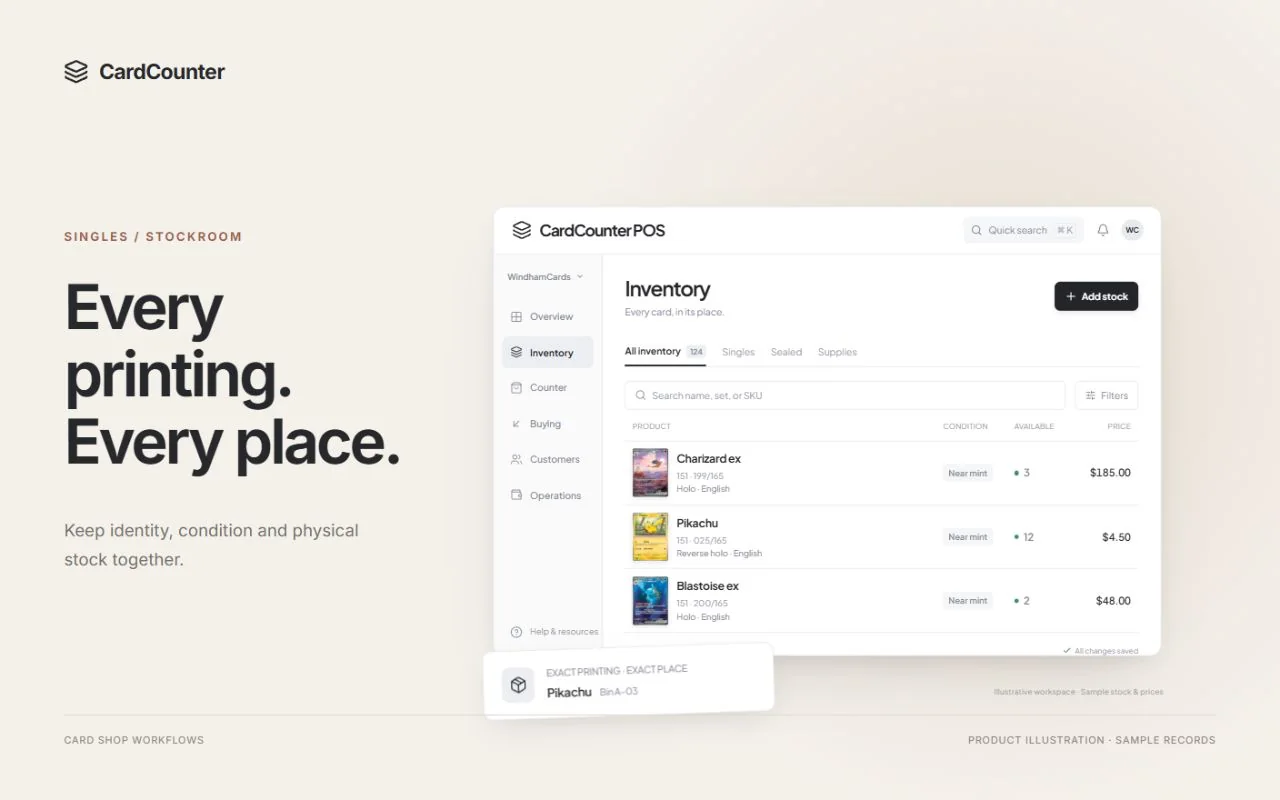
BinderPOS describes a cloud-based POS for collectibles with inventory, buylists, store credit and Shopify-centered online commerce. That makes it a relevant shortlist option for a card shop. CardCounter organizes daily work around exact stock, counter sales, collection buying, customer context, purchasing and reporting.
Start by tracing one item through both systems. Inspect an incoming card, agree its cost, put it in a bin, sell it, then look up the records. The way staff complete that sequence will tell you more than a side-by-side list of menu names.
Source: TCGplayer: BinderPOS product, pricing and availability
What to put on your shortlist
Use this table to plan a demonstration. A documented capability still needs to be confirmed for your account, catalog and intended setup.
| Shop requirement | CardCounter | BinderPOS: what to verify |
|---|---|---|
| Exact stock | Printing, finish, language, condition, locations and stock history | Catalog coverage and CSV mapping for your inventory |
| Buying collections | Custody, inspection, cash or credit offers and allocated acquisition cost | POS Buy and buylist review with your buying rules |
| Online selling | Confirm each live connection separately before relying on it | Advertised Shopify and TCGplayer connections, eligibility and fees |
| Counter device | Browser workspace or Windows app; internet required | Cloud POS access and your intended peripheral setup |
Sources: TCGplayer: BinderPOS product, pricing and availability; TCGplayer Help: How to Use POS Buy; TCGplayer Help: How to Export and Import BinderPOS CSVs
Make collection buying the central test
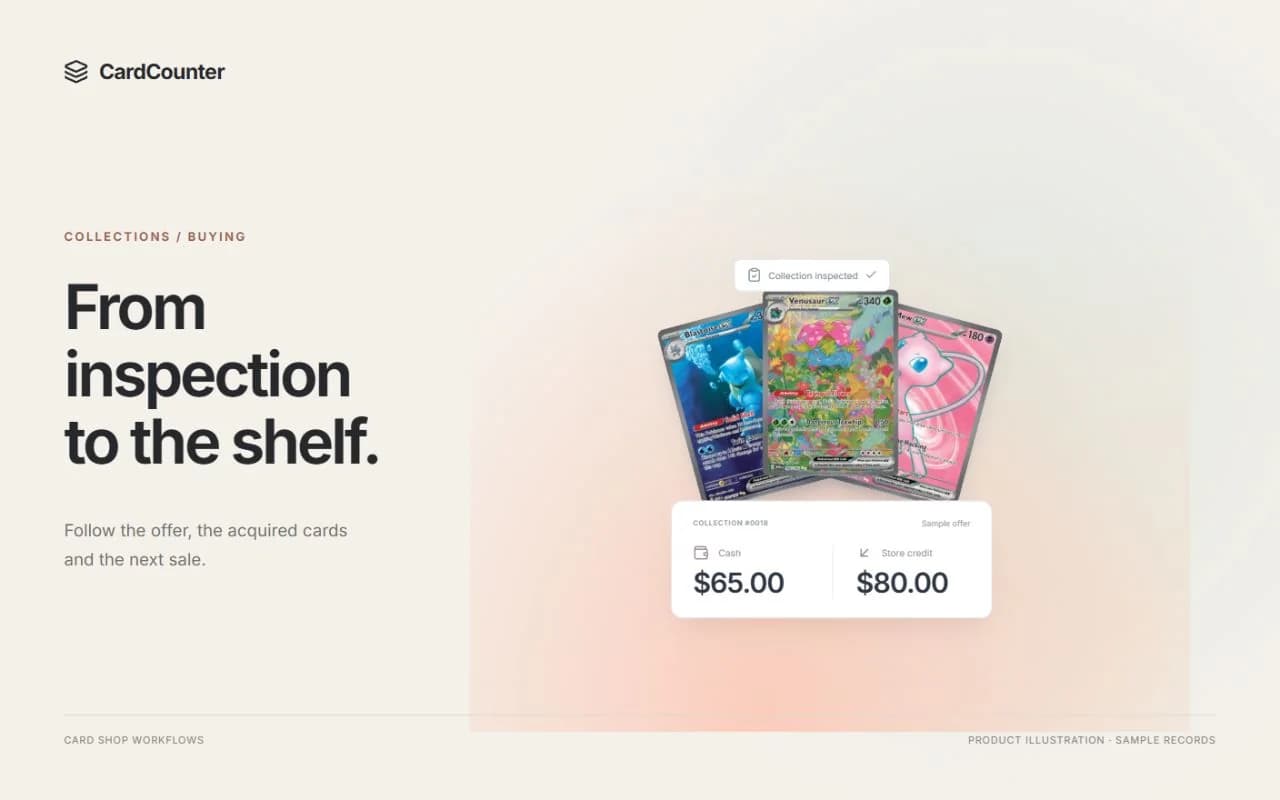
A collection can contain easy matches, uncertain printings and cards that need a closer condition review. Choose a small, mixed batch for the demonstration. Keep the customer associated with the items while staff inspect them, then compare a cash offer with a credit offer.
BinderPOS’s POS Buy guide documents both buying modes and notes that changing the mode does not retroactively recalculate existing cart items. If your team changes an offer during a negotiation, ask the demonstrator to show the actual repricing steps. This is a workflow detail to understand, not a reason to dismiss the whole product.
In CardCounter, review the inspected items, separate offer terms and accepted acquisition. Follow allocated costs into inventory, especially when the customer agrees to one total for the collection. Ask how each system handles an unknown acquisition cost and how staff find the source record later.
Try one correction before acceptance and another after stock has been recorded. Those moments reveal whether staff have a clear repair path or are expected to improvise an adjustment. Record the steps each product requires so the buyer and cashier can assess them together.
Test identity and pricing as separate decisions
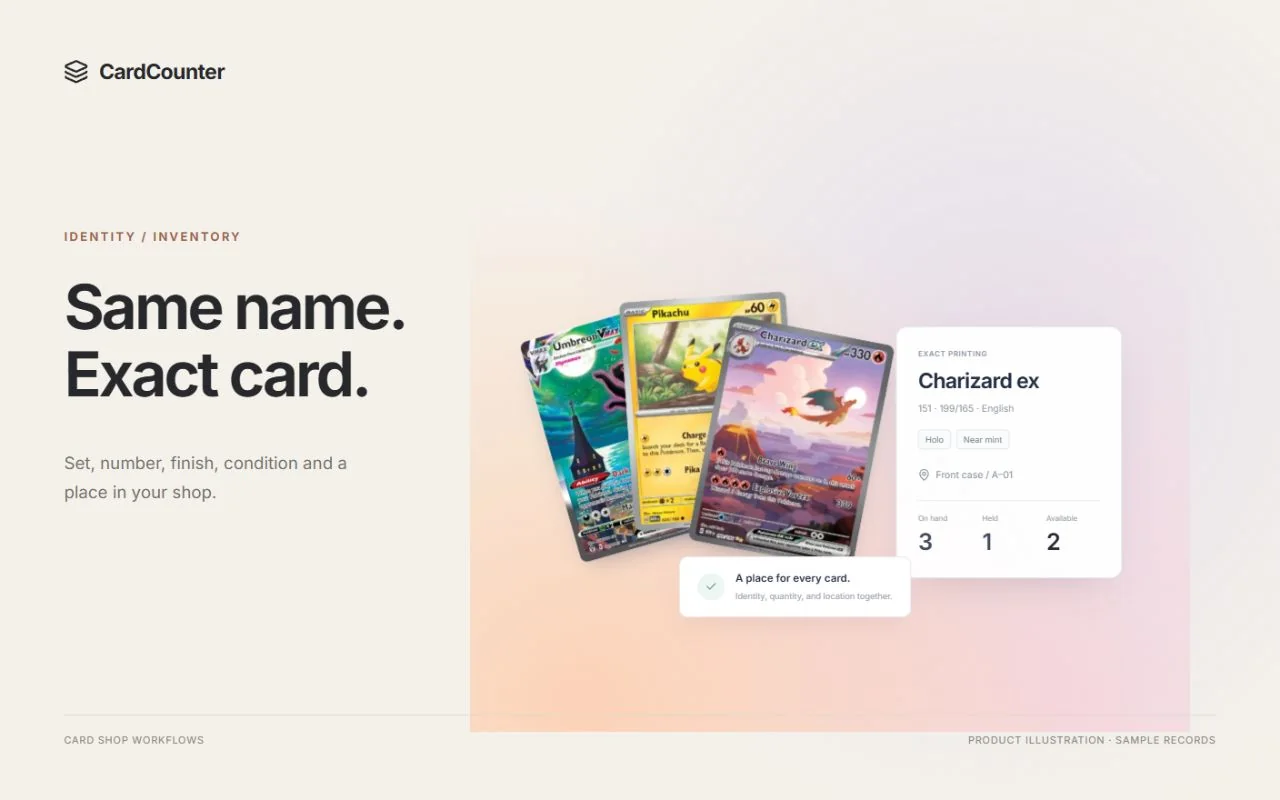
Use two cards with a similar name or collector number. Ask staff to show the set, language, finish and condition that distinguish them. Then inspect the price reference and your own sale price. Identifying a catalog product, finding an exact-condition market reference and deciding a shop price are three related tasks.
BinderPOS publishes a bulk-pricing guide with filtered selection and update operations. Test a small, reversible sample using the rules your shop intends to use. Review what changes, what stays fixed and how an operator catches an unintended result before applying a larger change.
CardCounter Core uses prices managed by your team. Growth adds connected market pricing and English physical Pokémon camera recognition, subject to the approved workspace and shared API allowance. A scanner match still goes through review before inventory receiving. Market references do not silently replace a merchant sale price.
Growth also includes a separate photo-grading workspace for centering overlays and visible condition observations. Its photo estimate is not an official professional grade or authentication. Ask to see an ambiguous identification and an incomplete photo review so you understand how staff handle uncertainty rather than only the easiest card.
Confirm which system owns the online work
A shop that sells heavily online should make connected commerce a large part of its trial. Start with an exact item mapping, change the available quantity, inspect a resulting order and try a return. Ask what happens when a connection is delayed or the two systems disagree.
BinderPOS’s public positioning includes Shopify and TCGplayer. Its detailed integration guide describes account and support requirements. Ask which parts are available for your location and account, who enables them and how existing listings will be reconciled. Published integration documentation does not guarantee that every merchant qualifies.
Do not assume CardCounter has equivalent live marketplace transport because a channel name appears in the product or in a discussion. This comparison is not an offer of a ready payment, Shopify or marketplace integration. If a verified online connection is a hard requirement for your cutover, confirm availability and the complete connected workflow before choosing CardCounter.
For either vendor, agree which record owns inventory, orders, payments and refunds. That decision makes support incidents easier to explain and prevents staff from making the same correction in two systems.
Check the current quote and onboarding window
At the review date, TCGplayer lists Binder at $100 USD per month and Binder Pro at $150, with a Shopify account requirement and 2% website-sales commission. Its USA-only TCGplayer integration has a 2.5% commission and a 1% discount on TCGplayer marketplace fees. Verify the complete quote, including subscriptions, processing and channel charges.
The same page currently offers a waitlist and says new seller onboarding is paused. Ask about current availability before setting a migration date. That statement does not establish that the service has stopped supporting existing stores.
CardCounter terms and setup are confirmed in a walkthrough. Request the included plan features, usage allowance, migration scope, hardware responsibilities and separate third-party charges in writing. Avoid comparing a subscription-only figure with a quote that includes a storefront or other services.
Source: TCGplayer: BinderPOS product, pricing and availability
Choose with a demonstration your staff can repeat
BinderPOS is worth investigating when its documented hobby-retail and online-commerce model matches your shop, subject to current onboarding and account eligibility. CardCounter is worth a walkthrough when you want to evaluate exact inventory, collection records and the connected daily counter workflow in a browser or Windows workspace.
Bring the same collection and counter tasks to both conversations. Write down the actual steps, unresolved dependencies and support ownership. Choose the arrangement your staff can operate confidently with the connections your shop has verified.
- Inspect three cards, change one condition and compare cash with store credit.
- Trace the accepted acquisition cost to the item’s stock record.
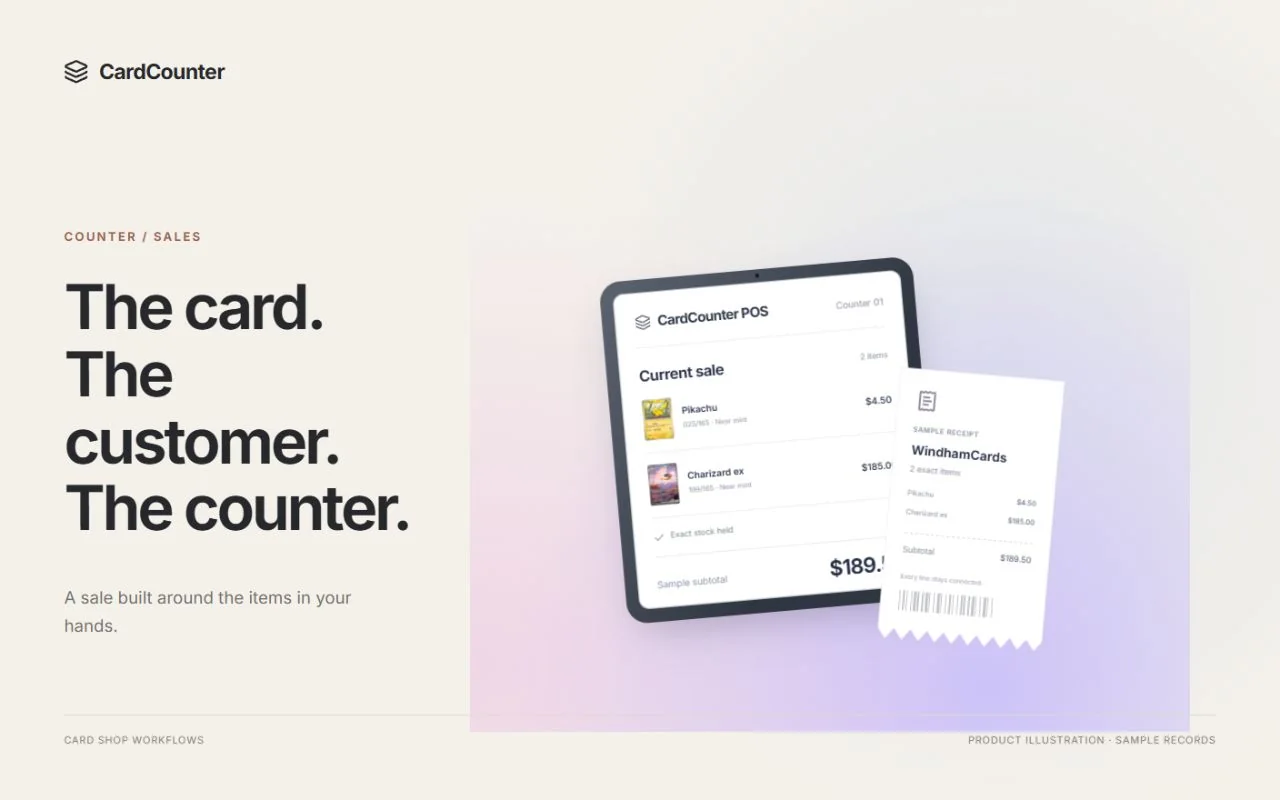
- Park a customer sale, resume it and inspect an original-receipt return.
- Demonstrate the exact online connection you need, including a delayed update.
- Agree the full quote, import trial, availability and cutover responsibilities.
Questions before you choose
Is CardCounter a BinderPOS alternative?
It is a product to evaluate for card-shop inventory, buying, counter sales and customer credit. Confirm your required catalogs, hardware, payment setup and live external connections in a walkthrough; feature names alone do not establish equivalent integration coverage.
Does this comparison prove one product is faster?
No. It uses public BinderPOS documentation and CardCounter’s implemented workflows. We have not run an independent performance trial in a live BinderPOS shop. Time your own repeated tasks with your staff and sample inventory.
Can I import my existing card inventory into CardCounter?
CardCounter includes reviewed inventory import tools. Test representative rows first, including condition, finish, quantity and known cost, and agree how unresolved mappings will be handled before a complete migration.
Official sources
Features, packages and availability can change. Use the current provider documentation alongside your own demonstration.
- TCGplayer: BinderPOS product, pricing and availability Checked October 6, 2026
- TCGplayer Help: How to Use POS Buy Checked October 6, 2026
- TCGplayer Help: How to Export and Import BinderPOS CSVs Checked October 6, 2026
- TCGplayer Help: How to Bulk Update Pricing Checked October 6, 2026
- TCGplayer Help: TCGplayer Integration FAQ Checked October 6, 2026
Product and company names belong to their respective owners.