Inventory
New in CardCounter POSA smoother shop day Trading card shop
Trading card shop
POS software.
Built for your shop day.
Bring exact-printing inventory, collection buying, store credit and counter sales into one workspace. Built for card and hobby shops selling singles, sealed products and supplies.
A connected platformA lot goes into running a card shop.
A lot goes into running a card shop.
Give every part a better place to work.
Purpose-built tools that understand the details. Beautifully connected, from the collection on your counter to the next card out the door.
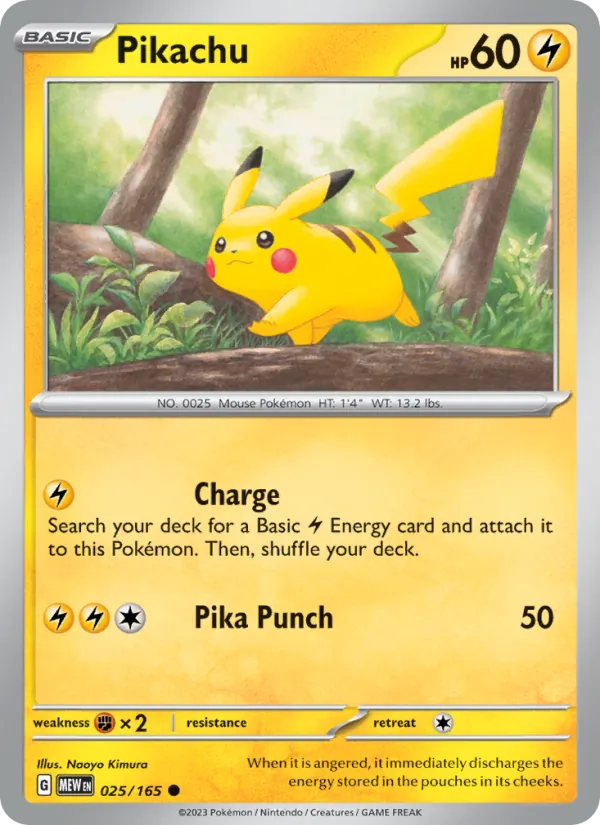
Point of sale
From a great find to the next sale.
Collection buying
Turn collections into your next great stock.


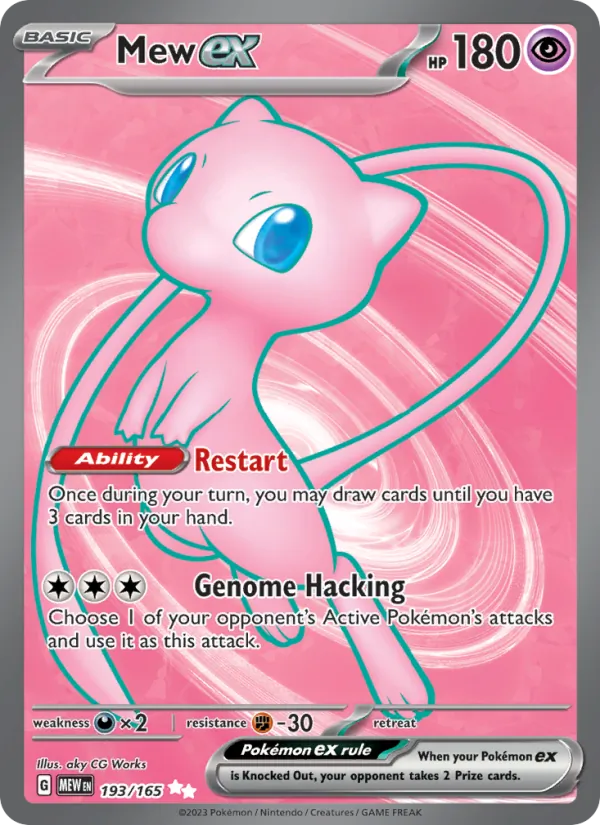
Customers
A shop they love. A team that remembers.
Reporting
See the day clearly. Plan the next one better.
Purchasing
Know what is coming. Know what actually arrived.
Product illustrations use sample records and prices.
Made to work togetherThe whole shop.
The whole shop.
One shared picture.
Keep the details moving with the work. Your team can follow an item from the first inspection to the final receipt.
Open your workspace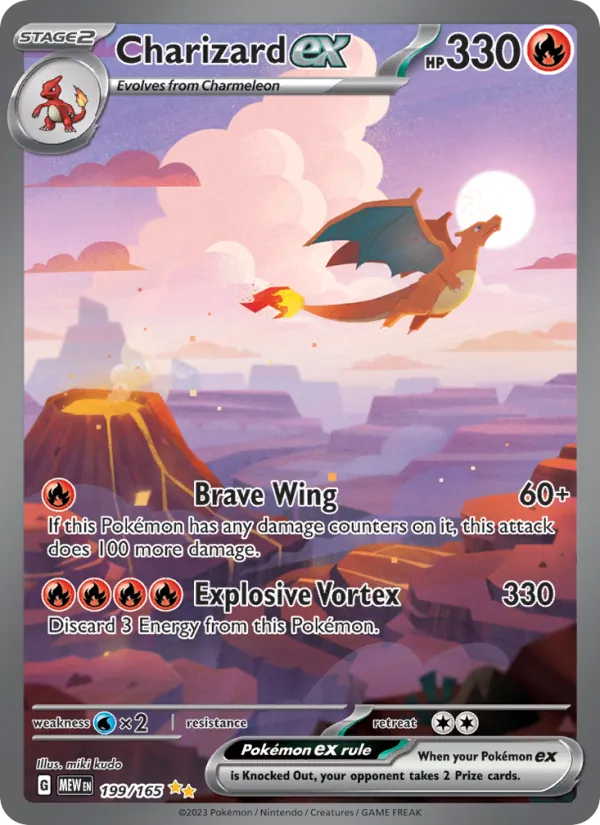
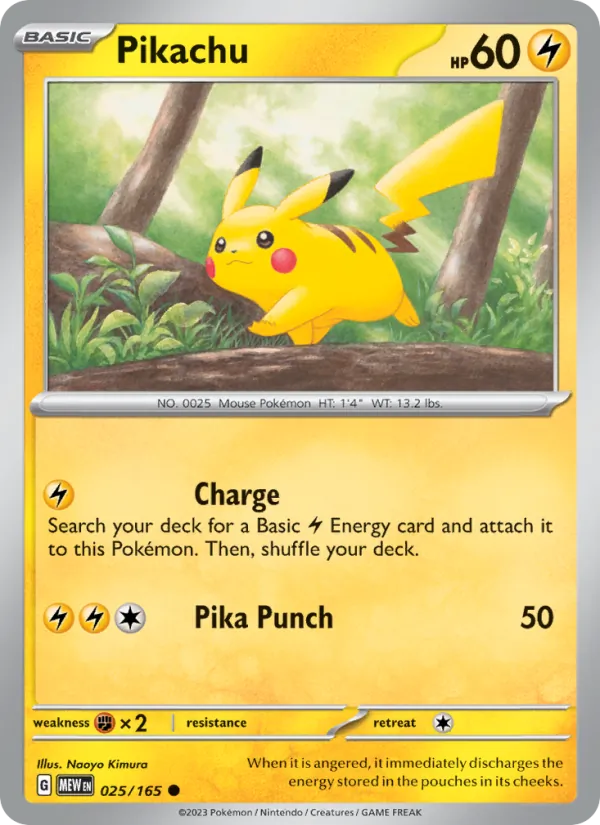

A clear record, from the first conversation.
Record the collection, inspect each item, and keep the accepted offer and acquisition costs together.
What’s new in the platformMore care in the details.
More care in the details.
Less friction in the day.
A more focused counter, clearer setup, and better control behind the scenes. Explore the improvements that help the software fit the way your shop works.
At the counter
Keep the next customer moving.
Bring up a customer, park a sale, and recall it when they are ready. Dedicated counter actions and keyboard shortcuts keep the cart and the conversation together.
Customer F4 · Park F6 · Recall F7Getting ready
A clear start to the shop day.
Follow shop approval, counter setup, and connection guidance before the working screen opens. Start with till-opening guidance and an opening cash count.
Setup guidance · Opening till · Connection statusCard scanning
From camera to a reviewed card.
Use Pokémon camera scanning or private phone pairing in a connected Pro workspace. Review the printing and condition, with clear guidance when access or setup still needs attention.
Camera scanning · Phone handoff · Review queueYour workspace
Make the counter fit your team.
Choose light or dark appearance. An administrator can set top or side navigation and comfortable or compact spacing for the shop, with controls that work on smaller counter screens.
Top or side navigation · Display density · Touch controlsWindows desktop
Give your register its own home.
The licensed Windows app brings the workspace to the desktop. Save a fullscreen startup preference for that computer and Windows user, or switch fullscreen while you work.
Windows app · Local display settings · FullscreenBusiness details
Less typing. A better starting point.
Address suggestions follow your business country. Choose a match to fill the street, city, region, and postal code, then review the details before saving them to your shop.
Country-aware suggestions · Editable address detailsBilling and plan
Your agreement in one place.
See the recorded plan, invoice history, payment coverage, and shared scanner and API allowance in shop settings. Keep the agreed details close when you are discussing the next step.
Plan details · Invoice records · Usage allowanceTeam and access
Access matched to your shop.
Work with our team to choose the platform features included in your agreement. Clear staff roles and recorded access changes keep the right tools with the right people.
Agreed features · Staff roles · Activity history
 Scarlet & Violet—151199/165 · Holo · English
The details are the differenceYou see more
You see more
than a card.
So should your software.
The printing. The finish. The condition. The story behind the acquisition. CardCounter POS keeps the details that card people care about, right where the business needs them.
Explore exact inventoryLet’s talk about your shopSee your next
See your next
workspace in action.
Find your fit with Essentials or Pro, and take your shop to card shows with the Vendor Mode add-on. Book a walkthrough built around how you sell.
Shop essentials
Essentials
The everyday tools to run your card shop.
A closer look at Essentials.Walk through the tools with someone who can help you set up your shop.
The complete shop workspace- Exact inventory, stock counts & labels
- Counter sales, receipts & returns
- Collection buying & customer credit
- Purchasing, receiving & replenishment
- Events, customers & reporting
- Team access & shop settings
Your team manages shop prices. Choose Pro when you want connected market data, camera scanning, and photo grading tools.
Shop + market data
Pro
Your shop, connected to the market.
A closer look at Pro.Walk through the tools with someone who can help you set up your shop.
Everything in Essentials, plus- Pokémon camera scanner & phone handoff
- Photo grading & centering tools
- Market Pricing inside your POS
- Growth Market Data API access
- 100,000 API requests each month
- 120 requests per minute
- Up to 10 active API keys
- Catalog, prices, history & listings
Your POS and external API keys share the included Growth API allowance. Photo grading provides an independent estimate, not professional certification.
Paid add-on
Vendor Mode
Your shop, ready for the card show.
Take your counter with you.Add show selling to Essentials or Pro. We’ll agree a price around your company and workflow.
Built for selling at shows- Dedicated show stock & packing lists
- Mobile, laptop & Windows workspace
- Show tills, cash sales & receipts
- Collection purchases & direct trades
- Assigned staff & negotiated prices
- Expenses, stock return & reconciliation
- Scanner handoff with Pro
Separately priced for your company; not included with Essentials or Pro. Internet access is required. Card readers need merchant setup and device checks. Explore Vendor Mode
Setup with a real personWe create your account, prepare your workspace, and confirm the plan with you. Upgrades are handled by our team.
Only need the API?Standalone Starter, Growth, and Scale access is also available. Explore API plans
Choose a time for your walkthrough, then let us know how to reach you. We confirm your included features, agreed terms, migration scope, and setup with you before onboarding. Third-party services and payment processing are separate.
For developersGood data.
Good data.
A new starting point.
Build your own software with the standalone Market Data API, or bring market observations into your shop. CardCounter POS Pro includes both the Growth API allowance and market pricing beside your SKU prices.
01 / MARKET DATA APIBuild with the dataStandalone access · three usage tiers02 / CARDCOUNTER POS ADD-ONPrice with contextMarket comparison inside Stockroom
01 / KEEP THE DETAIL
Every printing has an identity. Read set, number, finish, condition, price, and available stock together.
02 / KNOW THE SCOPE
Permissions travel with the request. Each read checks the staff session, shop, and location access.
A closer look at the contractAPI v1
// Inside your signed-in workspaceconst query = new URLSearchParams({ q: 'Charizard', available: 'true', limit: '1',});const response = await fetch( `/api/v1/inventory?${query}`, { credentials: 'same-origin', cache: 'no-store' });const result = await response.json();if (!response.ok) { throw new Error(result.error.message);}// Exact identity. Current availability.console.log(result.data);Same-origin staff session
A clear path from request to response. Familiar JSON, cursor pagination, and an inspector inside your workspace.
THE WORKSPACE APIStaff sessionCurrent permissions
CardCounter POS APIv1 · read only
Request inspectorReadable JSON
Authenticated · scoped · traceableAuthenticated, read-only access in your shop workspace.Open your workspace
For your next shop decisionChoose a POS that fits
Explore the comparisons Choose a POS that fits
the way you trade.
Bring real singles, a collection offer and a tricky return to your next demo. These guides help you ask the right questions.

Shop guide · 9 min read
How card shops can track inventory costs and read reports
Learn how trading card shops can record acquisition costs, review missing-cost coverage, and read sales and margin reports without mistaking gaps for profit.
Read the guide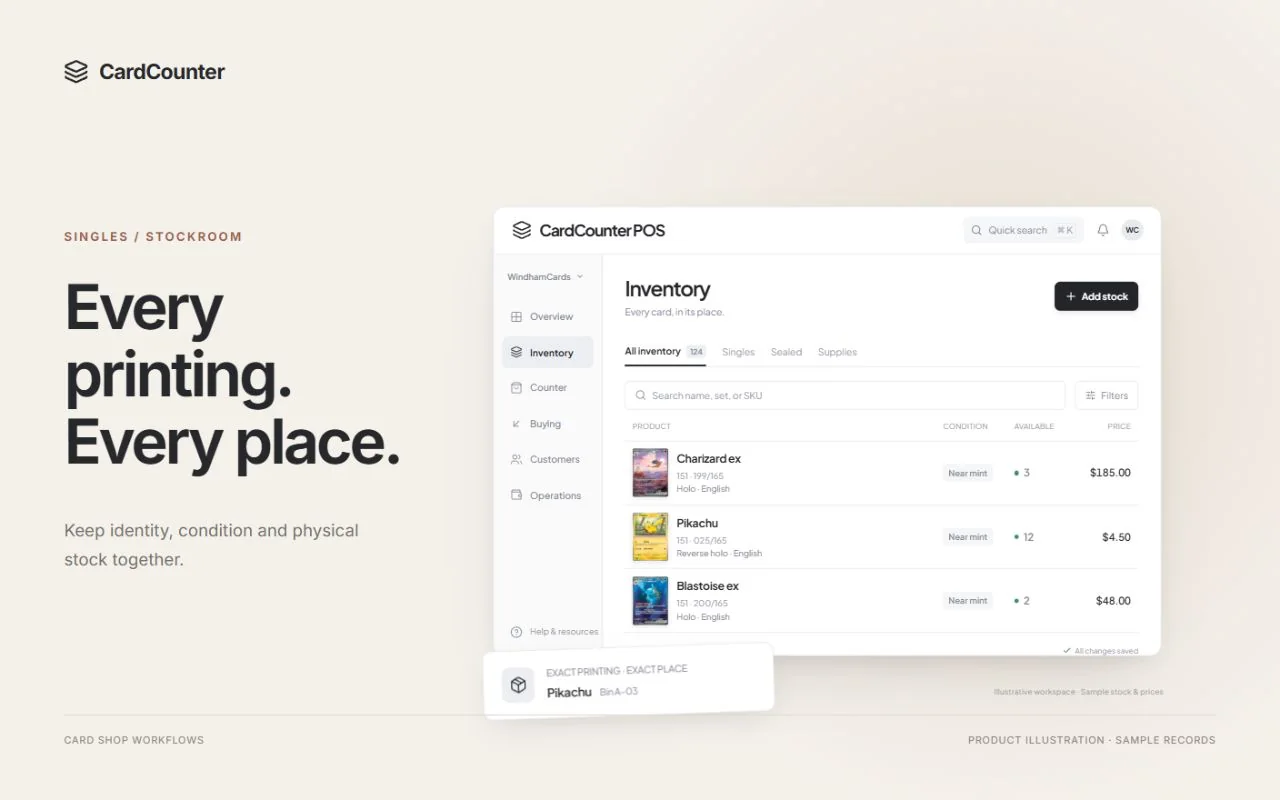
Shop guide · 9 min read
How to choose a card shop POS
Choose a card shop POS with a practical checklist for exact card inventory, collection buying, store credit, checkout, migration and real demo questions.
Read the guide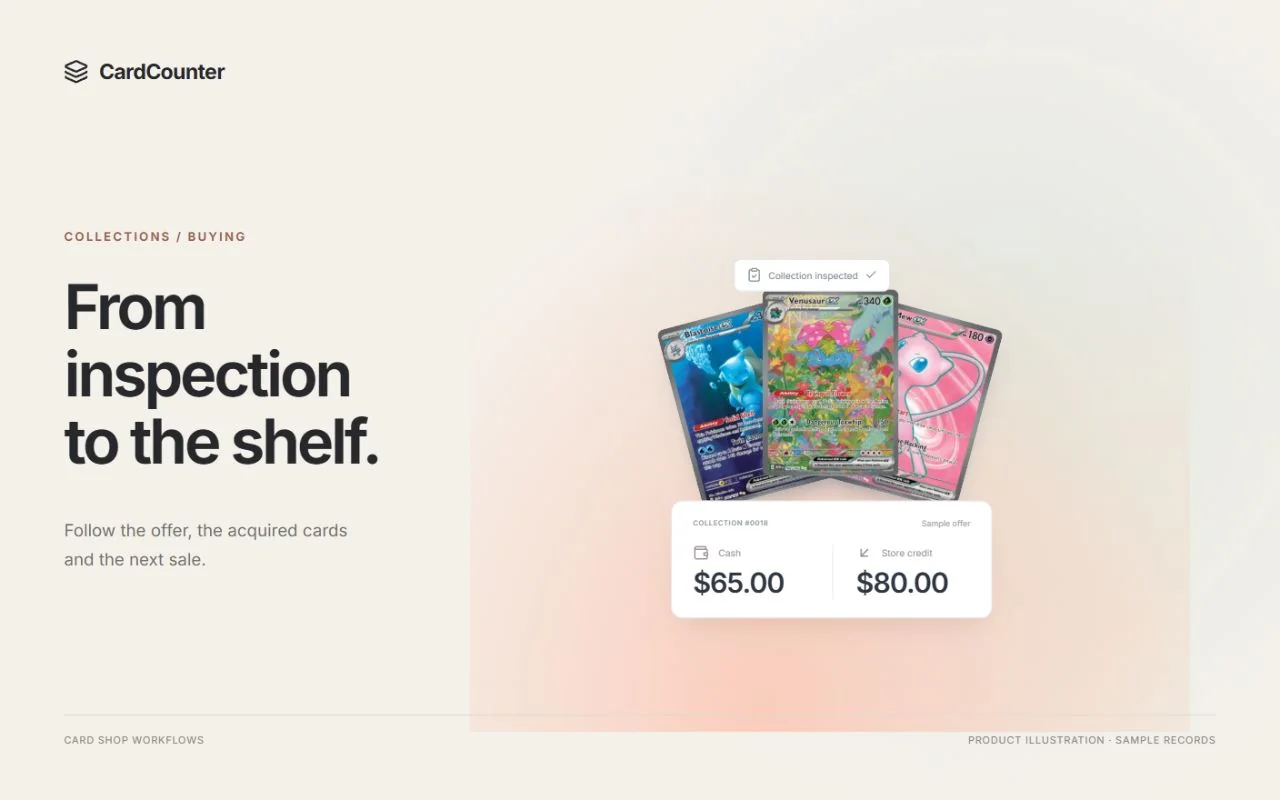
POS comparison · 9 min read
CardCounter vs BinderPOS for a card shop
Compare CardCounter and BinderPOS for exact inventory, collection buying, store credit and online selling, with official sources and practical demo questions.
Read the comparison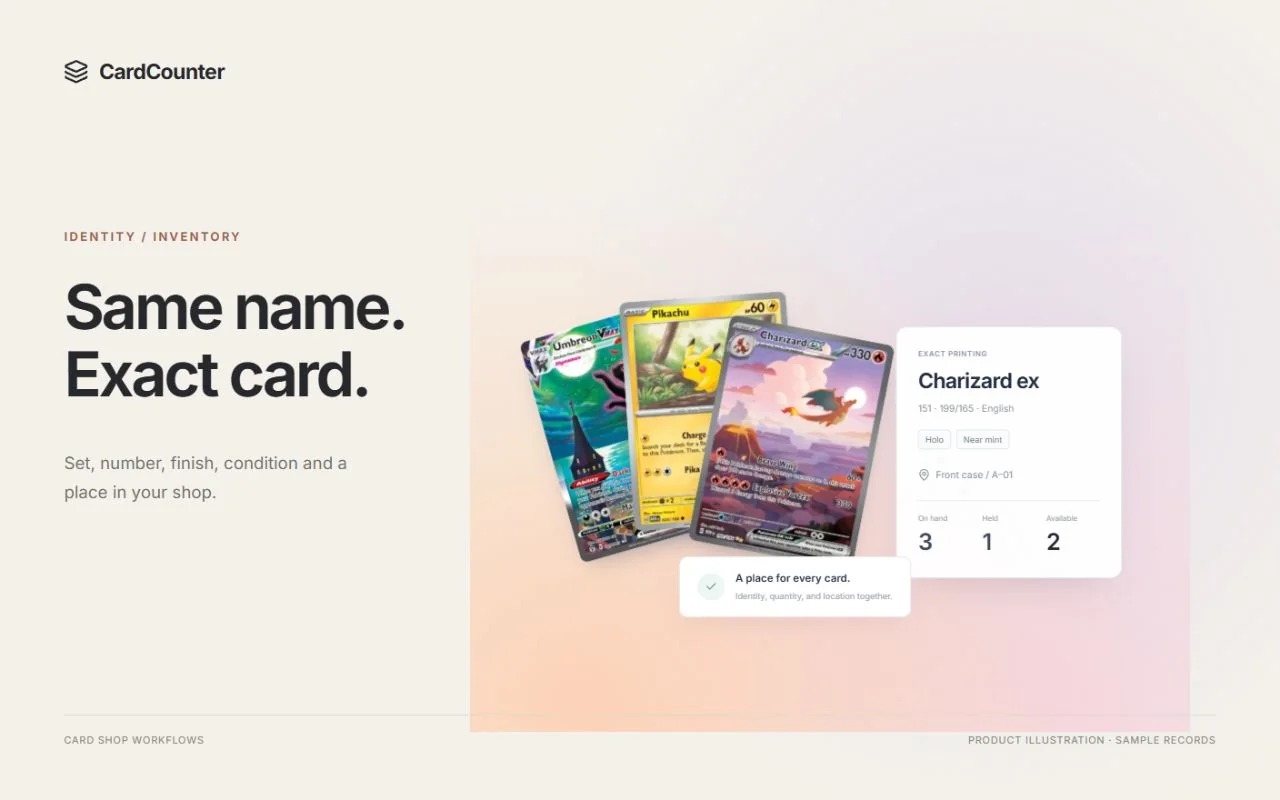
POS comparison · 9 min read
CardCounter vs Square for a trading card shop
Compare CardCounter with Square for a card shop: exact printing inventory, collection intake, credit, retail hardware, costs and a repeatable demo checklist.
Read the comparison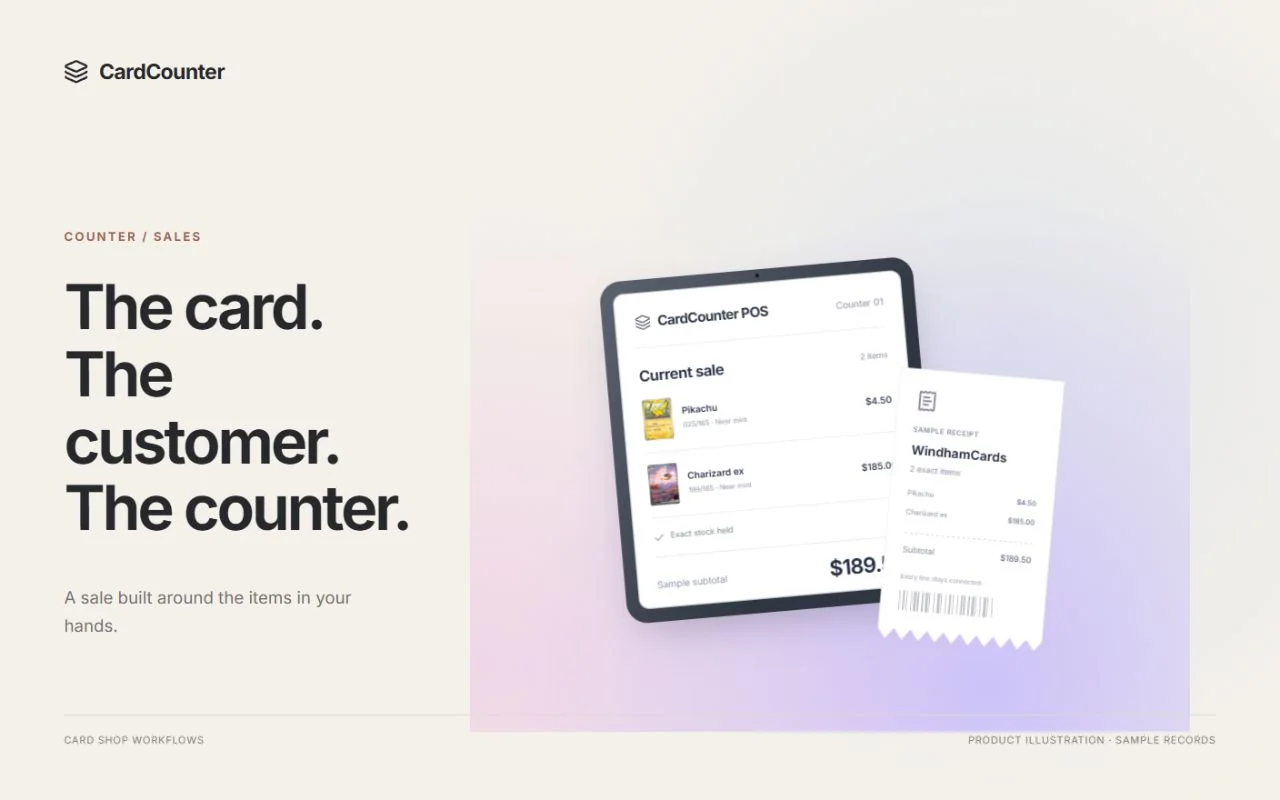
POS comparison · 9 min read
CardCounter vs Shopify POS for a card shop
Compare CardCounter and Shopify POS for card-shop inventory, collection buying, devices, online selling and costs, with official sources and demo questions.
Read the comparison
Shop guide · 9 min read
How to organize trading card inventory in a card shop
Organize trading card inventory with exact SKUs, condition checks, clear bin locations, stock holds, collection intake and a practical weekly count routine.
Read the guide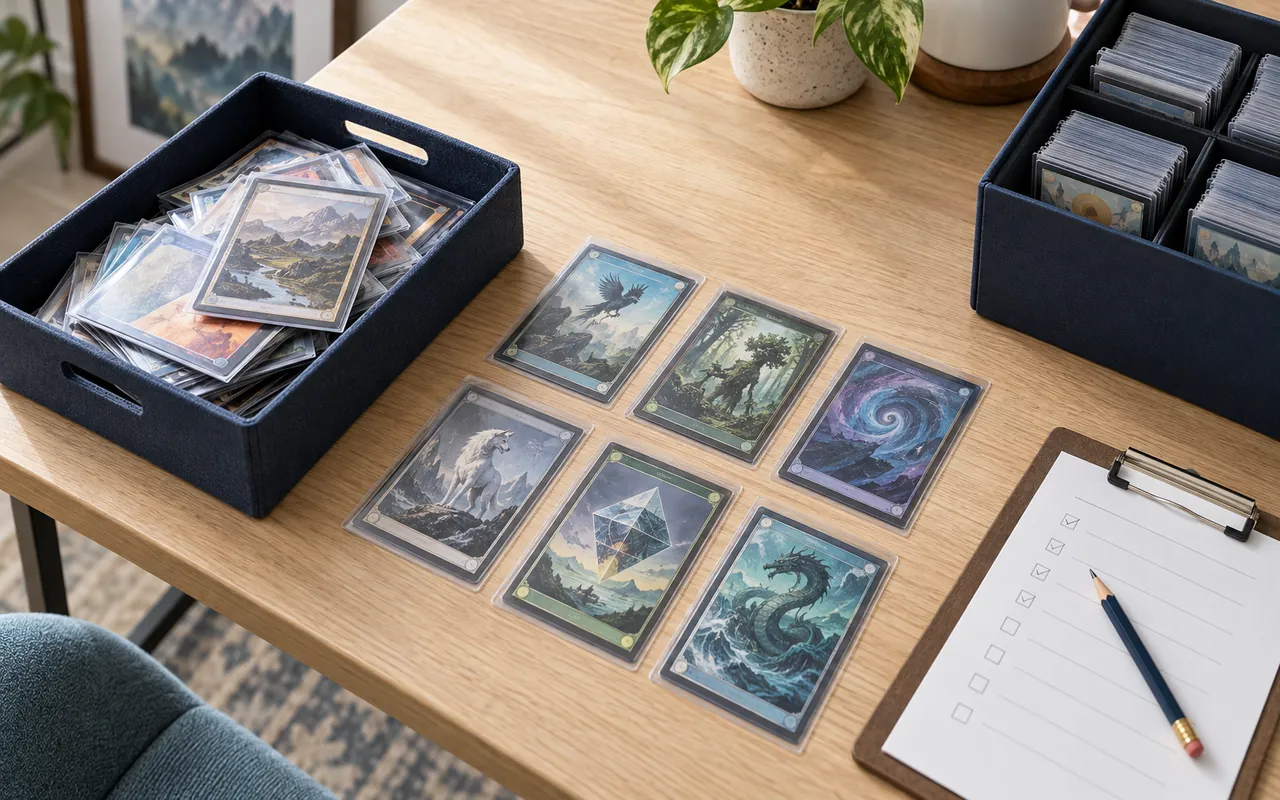
Shop guide · 10 min read
A collection intake checklist for trading card shops
Receive trading card collections with a clear checklist for custody, inspection, cash or credit offers, acceptance, settlement and acquisition costs.
Read the guide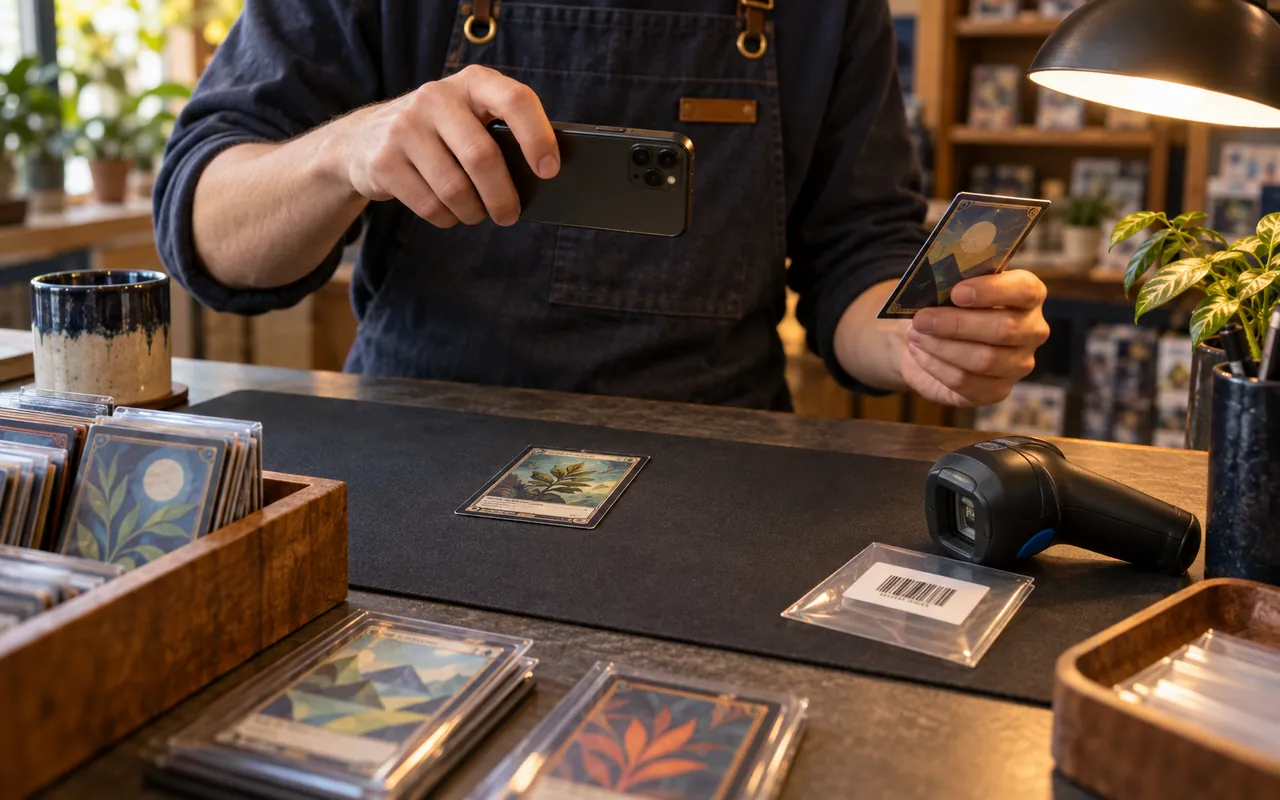
Shop guide · 10 min read
What card scanning can and cannot do at a shop counter
Learn what card scanners can identify, what staff must verify, and how camera recognition, barcode lookup and photo centering fit a card shop workflow.
Read the guide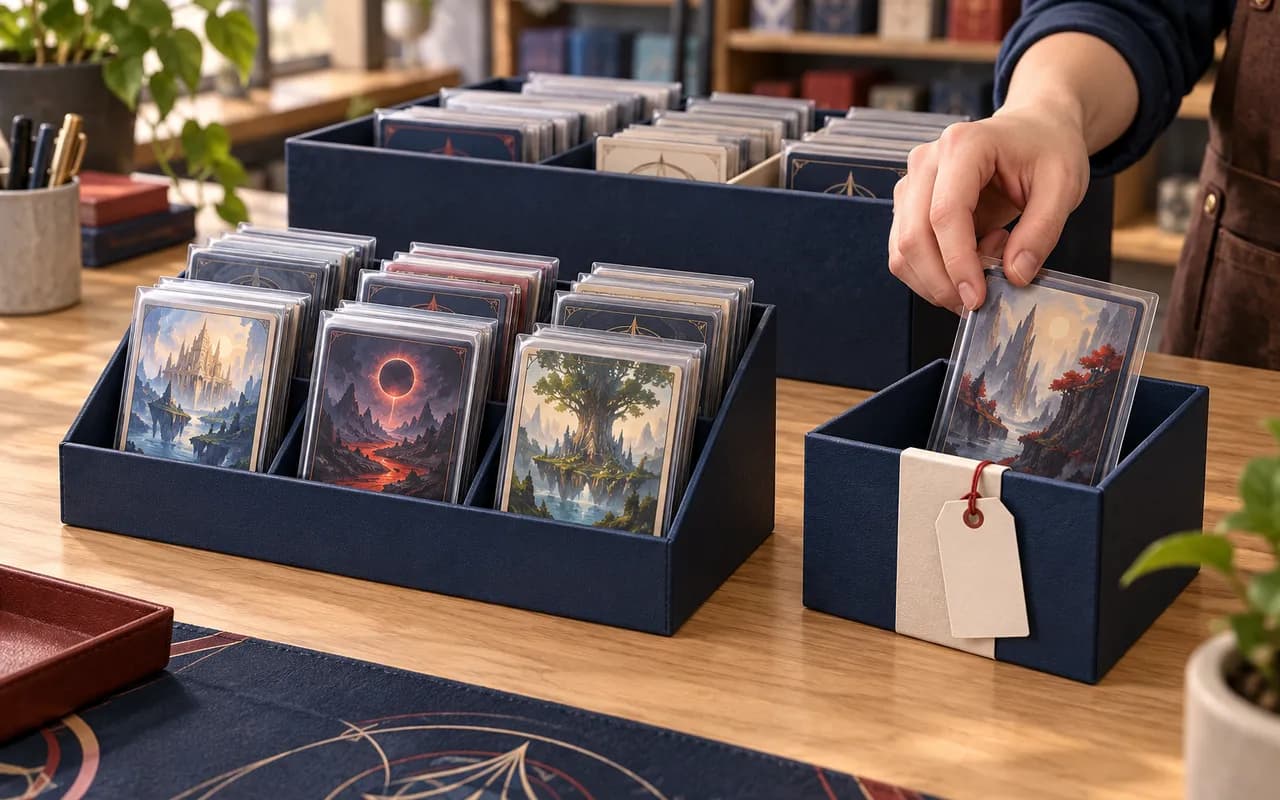
Shop guide · 10 min read
Available stock vs on-hand inventory: a card shop guide to holds
Understand available stock, on-hand inventory and customer holds in a card shop, with a worked example, parked-cart checks and a practical staff handover.
Read the guide
Shop guide · 10 min read
Cash or store credit? Write a clear collection offer
Write clear cash or store-credit offers for card collections. Follow a worked example through acceptance, payout, wallet availability and staff handover.
Read the guide THE CARDCOUNTER HANDBOOKA guide for every
A guide for every
part of your workday.
Get to know your shop tools with clear steps, annotated screens and answers to the things that come up along the way.
Explore the documentationGood to knowA few more
A few more
details.
What kind of shop is CardCounter POS built for?
Card and hobby shops that buy collections, sell singles and sealed products, and build a community around collecting. The workflows connect the counter, stockroom, and back office.
Can I track more than card singles?
Yes. Inventory supports exact card printings, sealed products, accessories, and merchant-created merchandise. Each item can carry its own quantity, location, and recorded acquisition cost.
Can I bring my existing records?
The workspace includes inventory import tools and exports. Imports are reviewed so the exact item, condition, quantity, and known cost stay meaningful.
Does CardCounter POS have an API?
Yes. The market data API provides catalog, pricing, history, listings, and card identification endpoints. The separate workspace API provides authenticated inventory and shop reads. See the Developers page for both contracts.
Which plan includes card scanning and market pricing?
Pro includes Pokémon camera scanning, photo grading tools, the Growth Market Data API and connected market pricing. Photo grading is an independent screening estimate, not professional certification. Essentials includes the shop workspace with prices managed by your team. Book a walkthrough to compare the plans.
Does CardCounter POS need an internet connection?
Yes. The browser workspace and Windows desktop app require an internet connection. Discuss your counter network, printers, scanners and payment setup during your walkthrough so your shop can check the complete setup before trading.
How do setup and upgrades work?
Book a walkthrough and tell us about your shop. Our team confirms your features and terms, creates your account, and guides you through setup. Plan changes and higher API allowances are reviewed with you. Existing team members can sign in to their workspace.
Can I use CardCounter POS at a desktop or a smaller counter screen?
Use the browser workspace or the licensed Windows desktop app. The desktop app includes fullscreen display preferences. Touch-friendly controls, light and dark appearance, and an administrator-selected top or side navigation help the workspace fit your counter.
What happens before my shop is ready to trade?
The workspace guides your team through shop approval, counter setup, connections, and opening the till. Tools that need setup show the next step before the operational screen, so staff can see what is needed.
Built around your shopMake room for
Make room for
your next chapter.
Take a walkthrough of the counter, stockroom, and the tools behind your shop.