What to take into the demo
- Test your busiest shop workflows before comparing feature counts.
- Make exact printing, condition, acquisition cost and stock location part of the demonstration.
- Confirm connected services, hardware, total costs and migration responsibilities before committing.
Start with the work your shop actually does
A trading card shop can look like ordinary retail until someone brings in a collection. Now the same team is inspecting cards, negotiating a cash or credit offer, finding exact printings, serving another customer and deciding where the new stock belongs. A POS needs to support that work without making staff rebuild its history later.
Write down the three jobs that take the most staff time and the three errors that cost the most to fix. Include your product mix: singles, sealed boxes, accessories, events and any unusual merchandise. Bring that list to each demonstration. A short, repeatable task is more revealing than a tour of every menu.
Decide who will use each part of the system. A cashier, a collection buyer and an owner closing the shop need different views and permissions. Let those people try their own work rather than asking the owner to judge every screen alone.
Check what “card inventory” really means
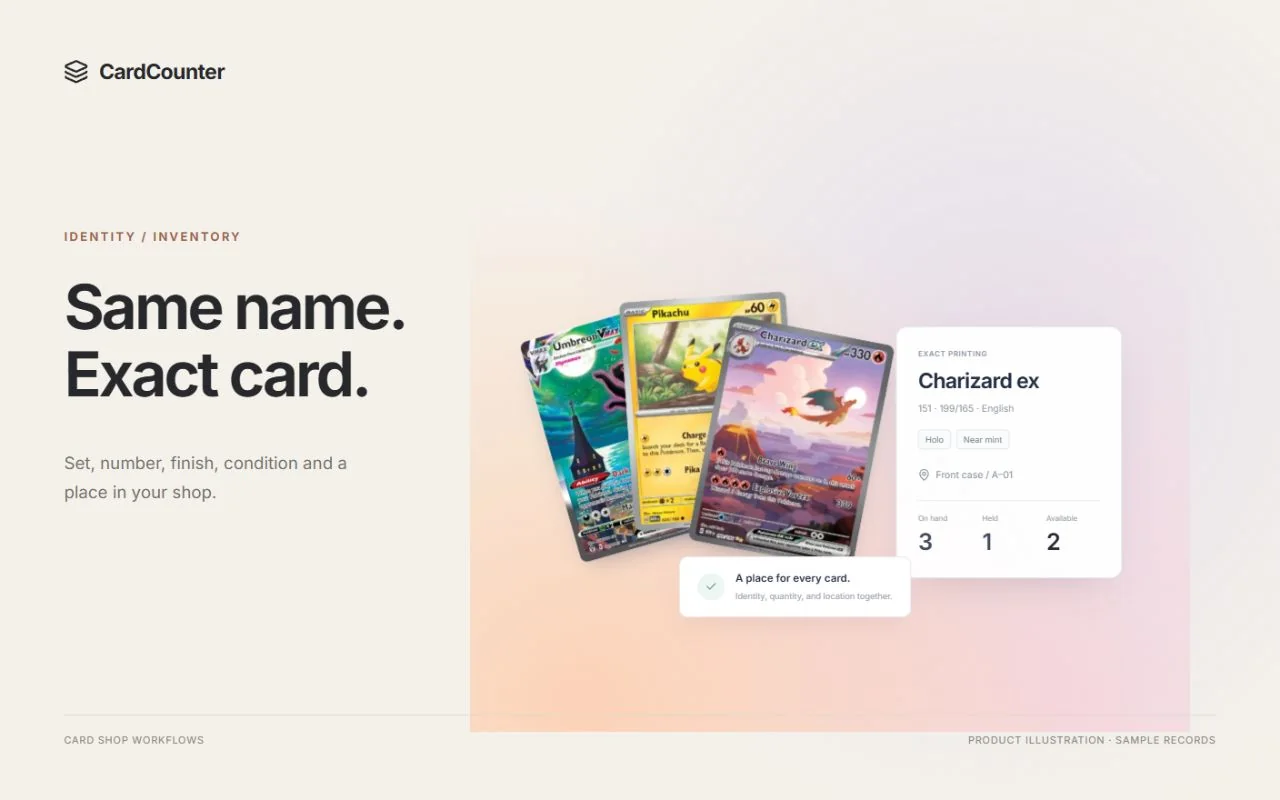
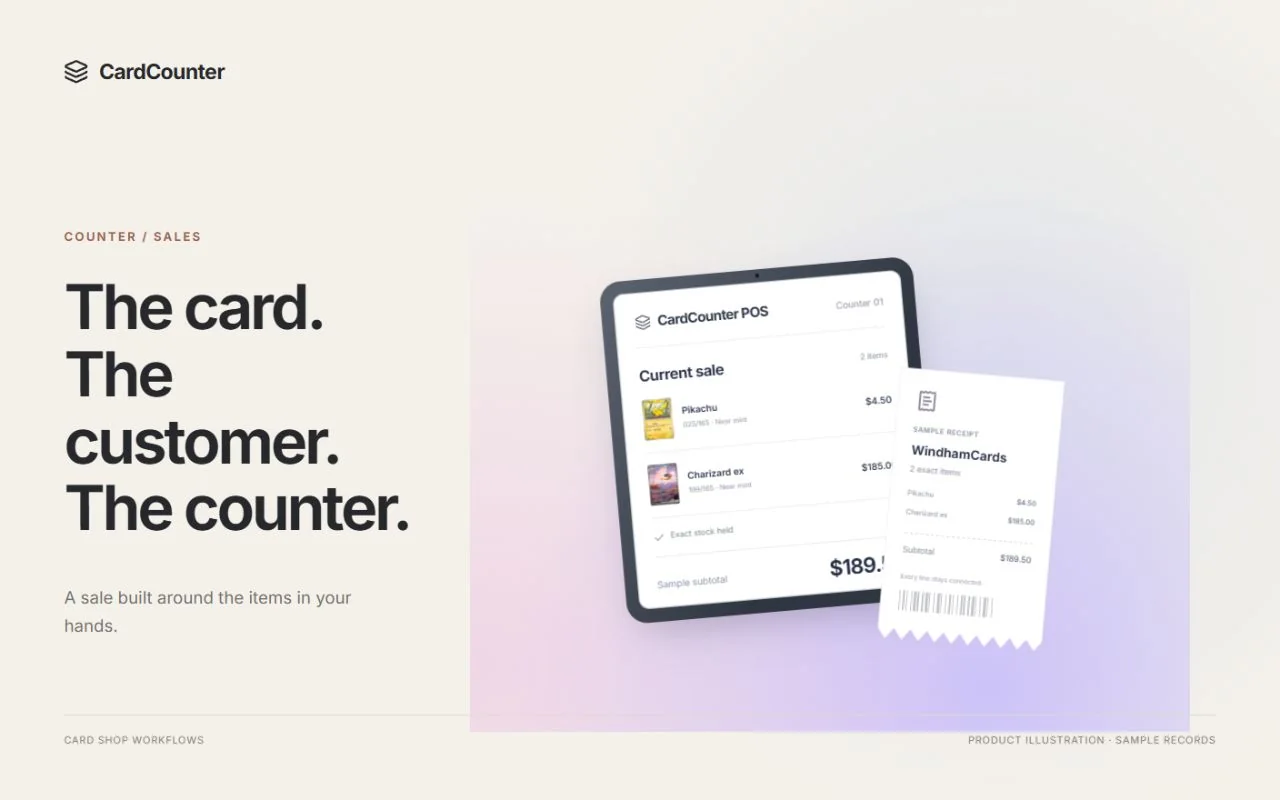
Two cards with the same name can have different sets, collector numbers, languages, finishes and conditions. They may have very different values. Ask the demonstrator to enter two similar printings and then sell one. The receipt, stock movement and remaining quantity should point to the item the customer actually bought.
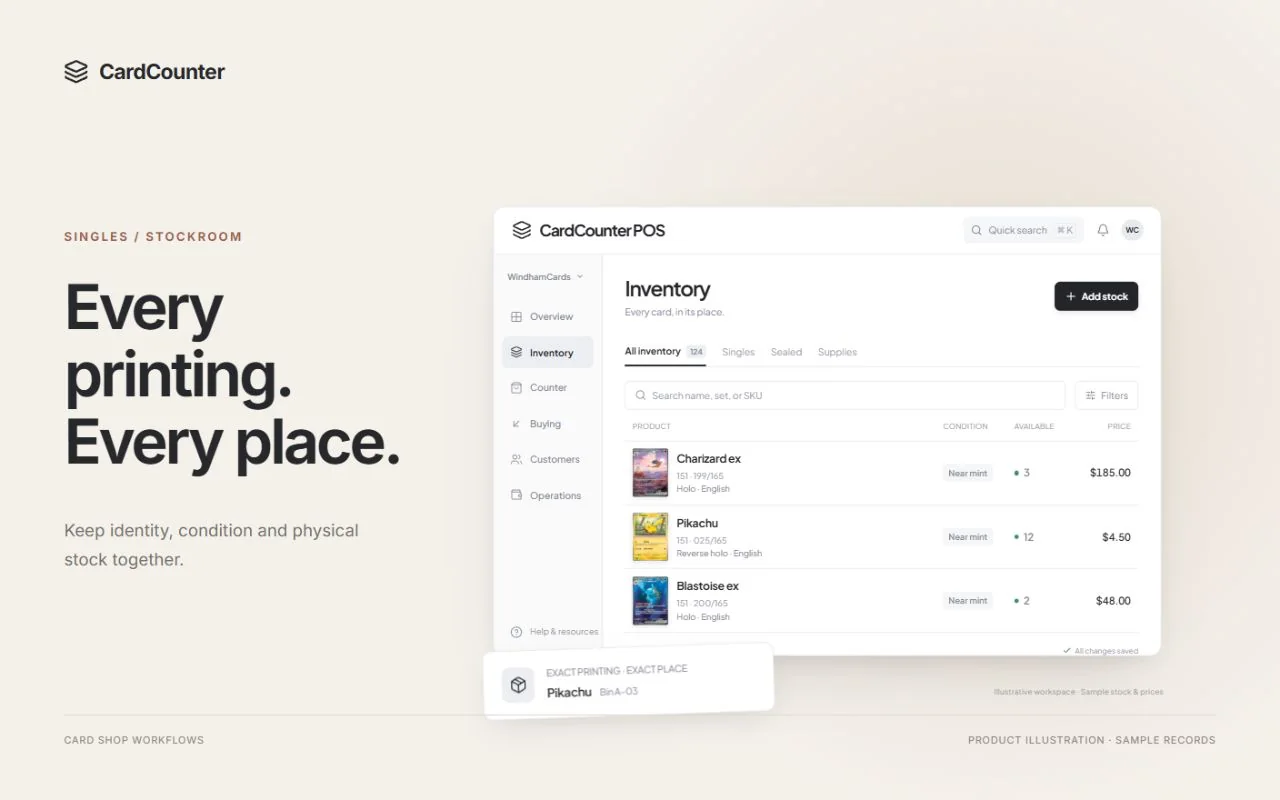
Follow the card into its physical location. A useful inventory record should help staff find the right bin or case as well as explain the quantity. Check what happens when one copy is held for a cart: on-hand stock and stock still available to another customer need clear meanings.
CardCounter keeps exact printing details, merchant condition, locations and stock history together. Use those fields as a practical checklist when evaluating any system. An attractive catalog image helps recognition, but it does not replace the identity of your own shop SKU.
Walk a collection from inspection to owned stock
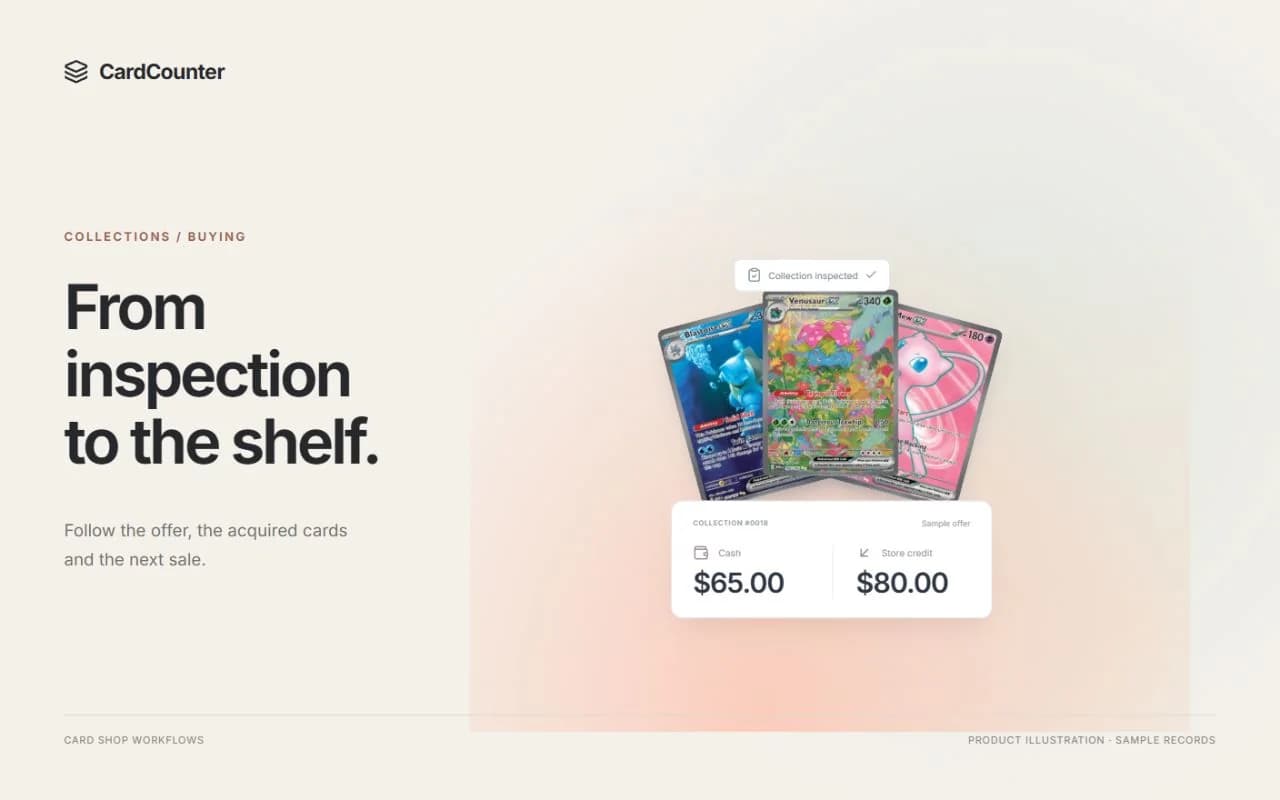
Bring a small sample collection with a mix of conditions and one uncertain printing. Start with the customer handing it over. Ask how physical custody is recorded, where staff note inspection, and when an offered item becomes inventory the shop owns. Those are separate moments even when they happen during one conversation.
Compare cash and store-credit offers, change an inspected condition, and check the final accepted terms. Then find the acquisition cost on the resulting stock. If you negotiate one total for a collection, ask how that cost is allocated and how later reports show any unresolved costs.
Use a credit balance in a sale and inspect the history afterward. A balance alone cannot explain an issue; staff need the earned and used amounts and the transactions behind them. CardCounter connects collection buying, accepted offers, item costs and customer credit, which makes this a useful end-to-end demonstration.
Try the interruptions as well as the sale
Build a cart, attach a customer and park it while that customer keeps browsing. Change stock or price before resuming. Watch how the system asks the cashier to review the current quote rather than assuming the saved cart is still valid.
Next, return one item from an original receipt. Ask how refund eligibility, physical inspection and the decision to restock are recorded. For card payments, confirm which provider owns the refund and how staff recognize a pending or uncertain result. A button labeled “refund” is not proof that money has reached the customer.
Finally, try a realistic register task: a keyboard-style barcode scan, a receipt reprint or a cash-close variance. Use your proposed hardware where possible. Browser printing, a supported driver and a verified shop setup are different things, so include device testing in the rollout rather than assuming universal compatibility.
Give the stockroom and closing shift equal attention
Receive part of a supplier order and leave the rest outstanding. Check that expected stock is distinct from physical items available to sell. In CardCounter, purchase orders are prepared and tracked locally; your team coordinates submission to the supplier. Ask every vendor to show its own ordering boundary clearly.
Count a bin with a deliberate difference, record the reason and find the adjustment afterward. Review a report containing both known and missing acquisition costs. Treating an unknown cost as zero can make a margin figure look more complete than it is.
Ask to export a small set of records. Check whether the export keeps the identifiers, conditions and histories you need for another system. A useful report should answer a shop question and make its gaps visible, not just offer a large total.
Separate scanning assistance from condition judgment
Scanning can help with repetitive identification, but the important question is what happens when the result is uncertain. Test a familiar card, a similar printing, glare and an unreadable collector number. Ask where staff confirm the exact item and whether anything enters stock before that review.
CardCounter’s Growth plan includes camera and paired-phone recognition for English physical Pokémon singles. Other games and sealed products do not use that recognition workflow. Its separate photo-grading workspace provides adjustable front and back centering overlays and guided condition observations. The estimate is a screening aid, not an official grade, authentication or a promise of a professional grading result.
Keep identification, sale condition and professional slab metadata separate in your checklist. A clear photograph can still hide a dent or surface defect. The physical card and the operator’s inspection remain part of the buying decision.
Compare the complete setup, including migration
Request a written cost summary for the shop subscription, payment processing, hardware, website services, paid extensions and market-data usage. Ask which charges vary with locations, staff, orders or sales. Compare the same month of your own shop activity rather than a headline monthly price.
List every external connection you depend on and confirm its actual status, permissions and recovery process. A product mentioning Shopify or a marketplace does not mean your account has an approved live connection. This guide is not an offer of a ready CardCounter payment, Shopify or marketplace integration; confirm availability and the complete connected workflow before planning your migration.
CardCounter runs in a browser and a Windows desktop app, both requiring an internet connection. Check your counter connection and backup plan before rollout. For migration, test a small representative import first, reconcile quantities and credit, agree a cutover time, and decide who handles exceptions. Keep the old records available through the agreed transition.
Leave the demonstration with decisions you can act on
Ask the same questions of each shortlisted vendor and record what was demonstrated, what requires setup and what was only discussed. Book a CardCounter walkthrough with a few sample records and your hardest daily task. That gives both teams something concrete to evaluate.
- Can a new cashier find and sell the exact printing without a manager translating the screen?
- Can we explain an acquisition, credit balance, stock adjustment and return from their original records?
- Which catalogs, devices and external connections will be confirmed for our shop?
- What does the complete quote include, and how do usage and optional services change the cost?
- Who owns import review, staff training, cutover checks and support after launch?
Questions before you choose
What should a POS for a trading card shop track?
Start with exact printing, set and collector number, language, finish, condition, quantity, location and acquisition cost. Then test how those details stay connected through buying, selling, returns and stock counts.
Does every card shop need a camera scanner?
No. Judge it against your intake volume and staff workflow. Barcode lookup, exact catalog search and careful manual entry can still be important. CardCounter’s Pokémon camera recognition is included with Growth, while Core provides the shop workspace with team-managed prices.
Is CardCounter photo grading an official grade?
No. It helps staff measure centering and record visible condition from front and back photos. It does not authenticate the card, detect every defect or guarantee a result from PSA, Beckett, CGC or another grader.
Can CardCounter run without installing an app?
Yes. Staff can use the browser workspace. The Windows desktop option is included with the company subscription; confirm the supported customer release during onboarding. Both require an internet connection, and selected peripheral hardware needs its own setup and testing.