This comparison is written by CardCounter. It uses the official sources listed below, checked on October 6, 2026, and is not an independent live benchmark.
What to take into the demo
- Shopify POS connects in-person selling with Shopify orders and inventory.
- Its POS app runs on supported iOS and Android devices; CardCounter uses a browser or Windows desktop option.
- Test card-specific buying and stock identity alongside the complete online workflow before deciding.
Start with the systems your shop already relies on
This comparison is written by the CardCounter team using Shopify’s official documentation checked on October 6, 2026. We have not independently benchmarked Shopify POS in a live card shop. The advice is an assessment of practical fit and questions to demonstrate, not a guarantee of a better result from either product.
Shopify documents a POS app that connects orders and inventory across retail locations, the online store and active sales channels. If your web store is already on Shopify, that connected model belongs near the top of your evaluation. Test the features included with the exact plan and location setup you intend to buy.
CardCounter connects shop work around exact stock, counter sales, collection inspection, acquisition cost and customer credit. If singles and collections occupy much of your staff’s day, bring those jobs into the comparison alongside online selling. A system can fit your web store while still needing a carefully designed card-buying process.
Source: Shopify Help Center: Point of sale and supported operating systems
Use these questions to plan the demonstration
This table separates CardCounter’s shop workflow from the Shopify tasks to verify. It does not infer that a capability is missing from Shopify because the general overview does not describe a card-specific version.
| Decision | CardCounter | Shopify POS: what to verify |
|---|---|---|
| Counter device | Browser or Windows desktop option; internet required | Supported iOS or Android POS device and peripherals |
| Exact singles | Printing, language, finish and condition with stock locations | Product/variant design and how staff find a precise item |
| Collection buying | Inspection, cash or credit offers and acquisition records | The full workflow, including any extra app or process |
| Online store | Confirm availability and complete connected workflow first | Your Shopify store, location stock and active sales channels |
| Monthly cost | Terms, migration and services confirmed in a walkthrough | Shopify plan, any POS Pro locations, apps and processing |
Sources: Shopify Help Center: Point of sale and supported operating systems; Shopify Help Center: Product variants and inventory; Shopify US: POS pricing and location subscriptions
Distinguish the POS device from the back office
Shopify’s help center states that the Shopify POS app is available only for iOS and Android. Its supported-hardware documentation sets the compatible device and accessory requirements. Managing an online store in a desktop browser is a different task from running its POS app at the register.
CardCounter’s core workspace runs in a browser. A Windows desktop option is included with the company subscription, with the supported customer release confirmed during onboarding. Both require internet. Printers, barcode scanners and payment hardware still need their own supported configuration and shop trial.
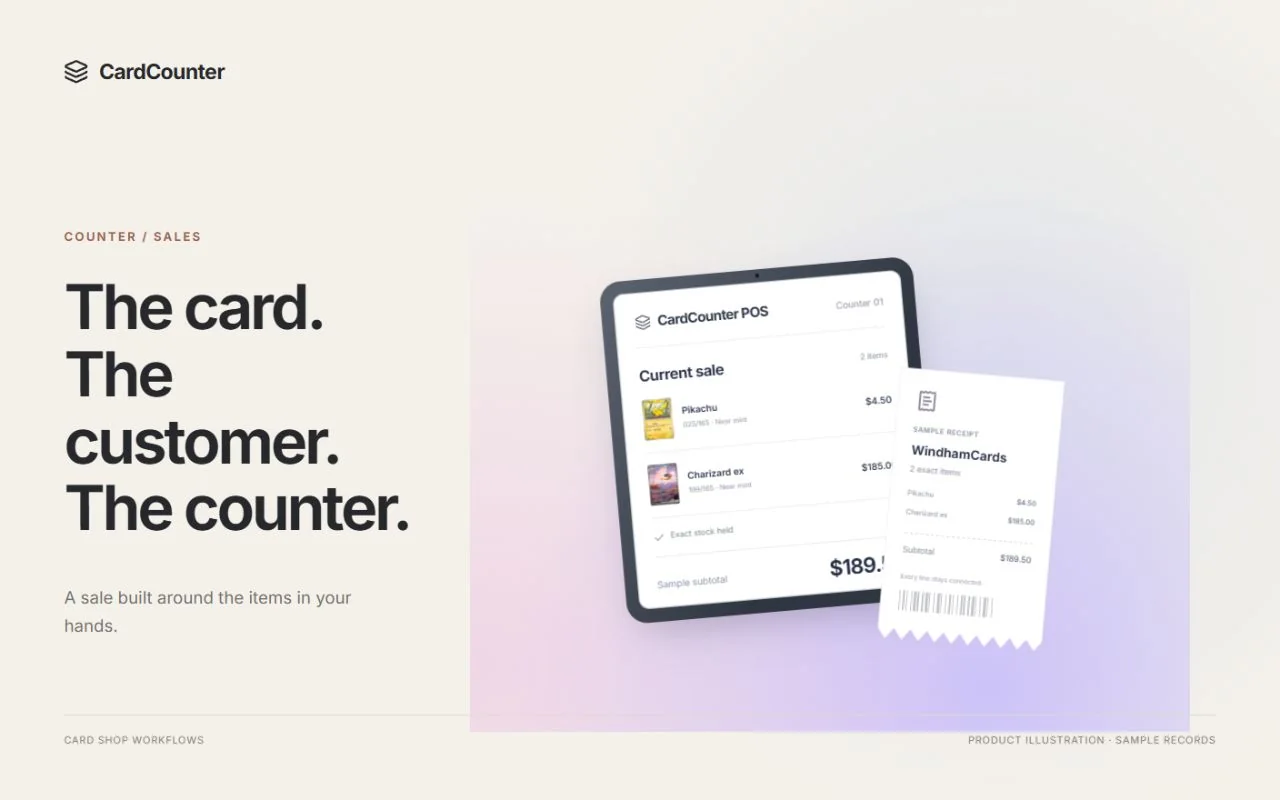
Lay out the actual counter before choosing. Try item search, a barcode, a parked cart, customer credit and a receipt using the device the cashier will have. Check reach, readability and the steps required for a return. A mobile-first register and a desktop workbench can each be useful; choose through the tasks your team needs to complete.
Sources: Shopify Help Center: Point of sale and supported operating systems; Shopify Help Center: Supported Shopify POS hardware
Design the inventory around the physical card
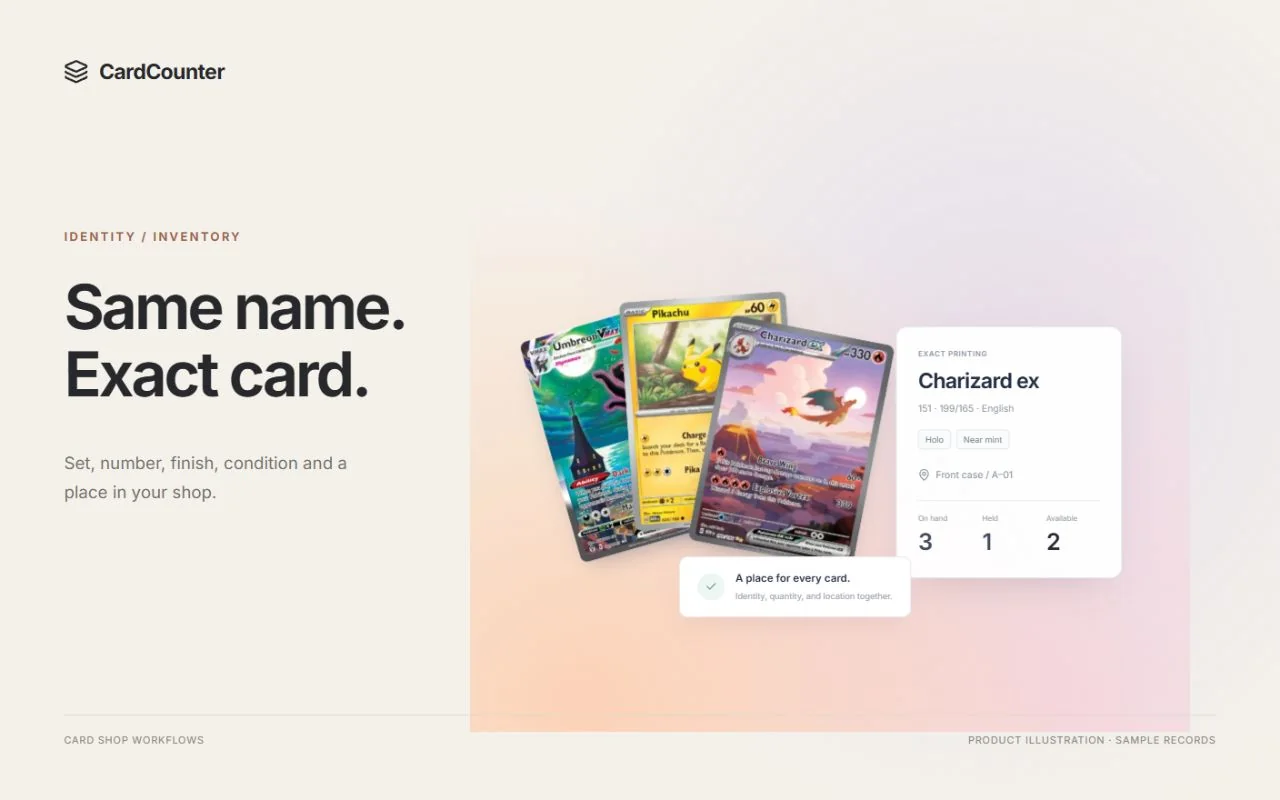
Shopify supports product variants with per-variant inventory, and its documentation describes metafields for specialized information. That gives a shop ways to structure merchandise. Ask your demonstrator to show how your set, collector number, language, finish and condition will be represented and used by staff.
The test is practical: create two similar cards, place them in different bins and sell one. Then inspect the stock history and receipt. An exact printing needs to stay recognizable across search, import, sale and return; storing a detail in a field is only part of making it useful in the daily workflow.
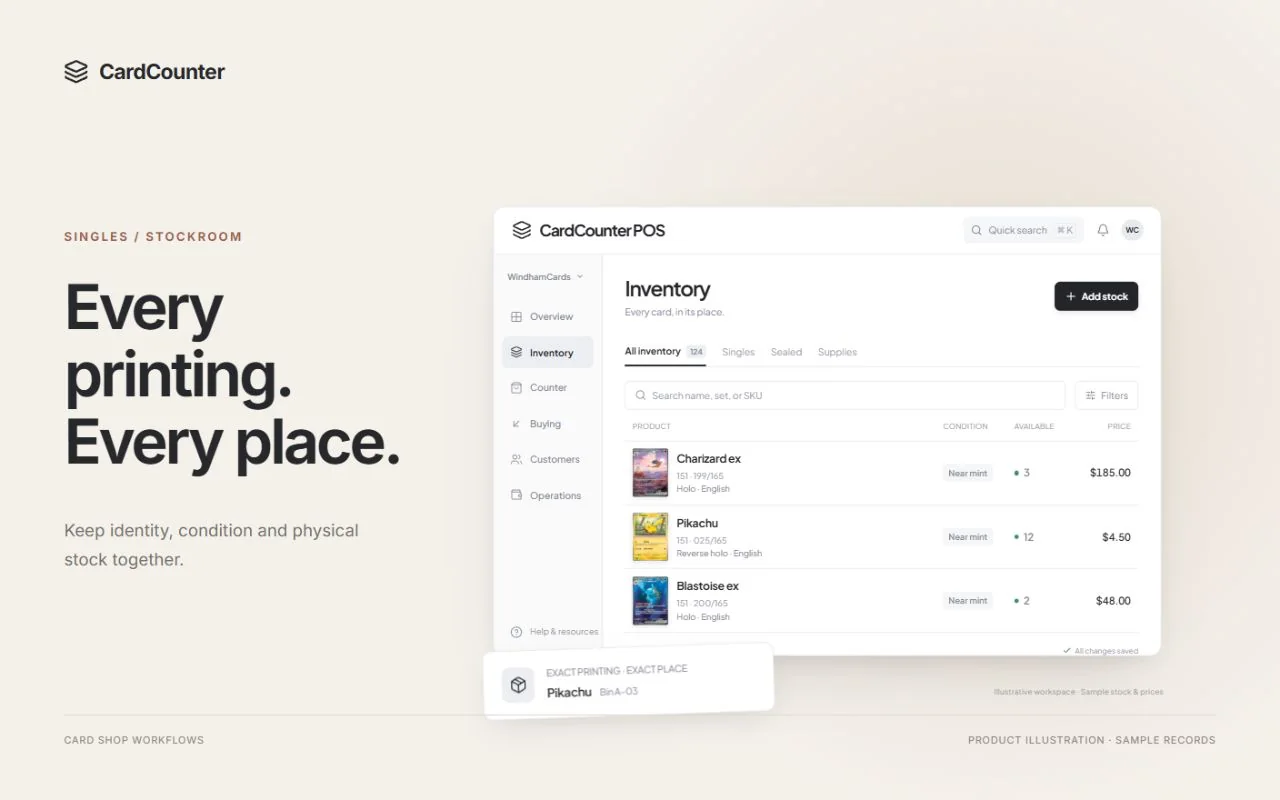
CardCounter keeps those identity fields attached to the merchant SKU and stock record. Bring a representative export from your existing shop to a walkthrough. Include unusual printings, mixed conditions and missing costs so the import review can address the difficult rows before a full migration.
Make the buying process visible
Receiving a supplier order and buying a customer collection create stock in different ways. A customer may leave cards for inspection, choose a credit offer or accept a negotiated total across several items. Staff need to distinguish what is being held, what is offered and what the shop has acquired.
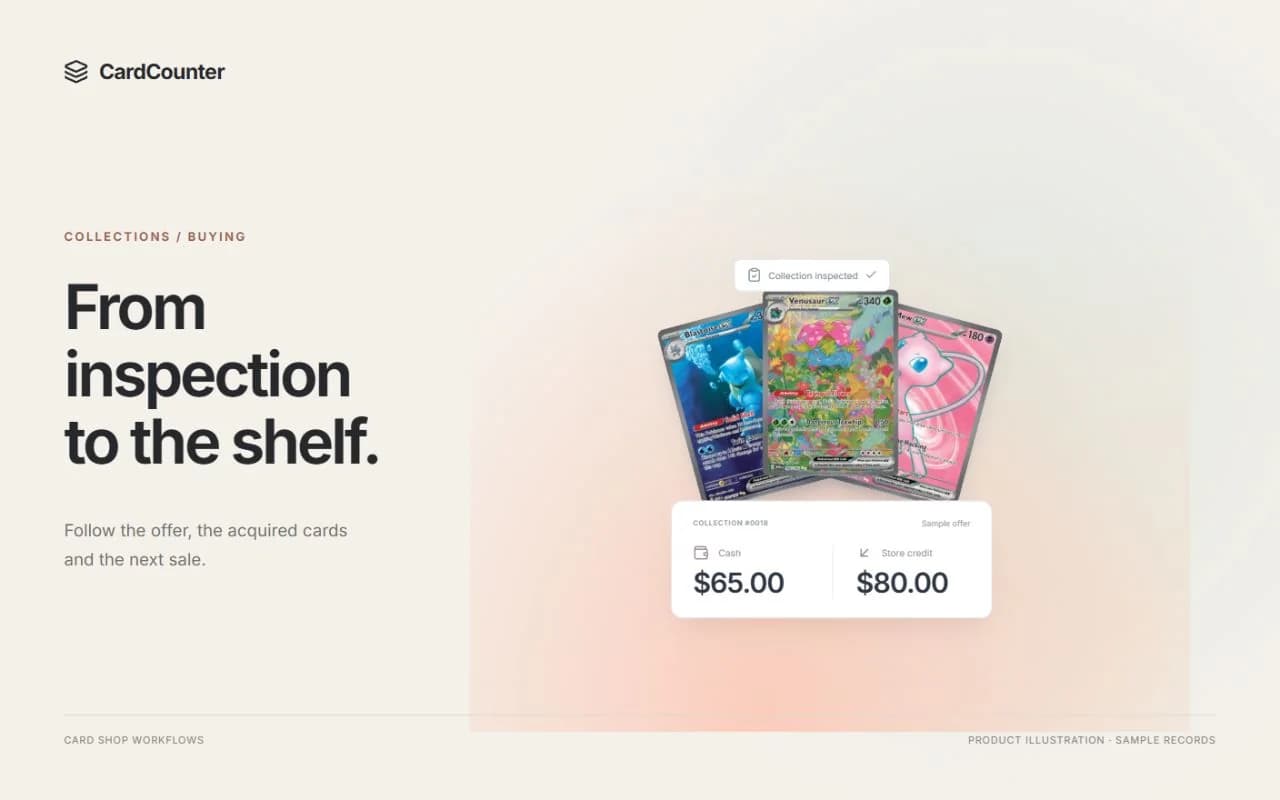
CardCounter connects custody, inspection, separate cash and credit offers, accepted acquisitions and allocated costs. Try rejecting one inspected card and changing another condition before acceptance. Follow the resulting customer credit and item cost into the later sale and report.
Ask the Shopify demonstrator to run that same sequence using the proposed setup, including any app and manual work involved. Confirm who supports the entire arrangement. Avoid deciding from an assumption that a generic product model automatically supplies a complete collection-buying workflow—or that a connected app can never do so.
For repetitive Pokémon intake, CardCounter Growth adds English physical-card camera recognition. Growth also includes local photo centering overlays and guided condition estimates. Recognition needs exact-item review, and photo grading is not official grading or authentication. Neither should substitute for the buyer inspecting the physical card.
Prove the online workflow before changing the counter
For an existing Shopify merchant, test the whole journey: map an exact item, sell it online, inspect location stock, prepare pickup and handle a return. Ask how a failed or delayed update is surfaced and which system owns the repair. Successful synchronization in one simple example is a starting point, not a complete migration plan.
CardCounter has connection and reconciliation tools, but this comparison is not an offer of a ready live Shopify or marketplace integration. Confirm availability and the complete connected workflow for your account before relying on it. Choosing a CardCounter plan alone does not enable an approved external connection.
If online commerce is a cutover requirement, put its exact acceptance checks into the rollout agreement. Identify who owns mappings, order handling, payment and refund records, monitoring and support. Test those responsibilities with a small set of representative orders before retiring the old process.
Compare the complete cost, then repeat your hardest task
Shopify’s US POS pricing page separates the Shopify subscription, transaction charges and any POS Pro locations. At the review date its FAQ lists POS Pro as an additional $89 USD per month, billed yearly, for each location. Confirm country, offers and the exact features in your quote. Hardware and third-party apps can add to the setup.
CardCounter’s Core and Growth terms are confirmed in a walkthrough. Ask for the included features, shared market-data allowance if applicable, migration responsibilities and separate payment or commerce-service charges. Compare an equivalent setup using your actual locations, staff needs and mix of online and counter sales.
Shopify POS is worth evaluating when its connected-store model and supported devices fit your business. CardCounter is worth a walkthrough when you want to examine a card-focused browser workbench for buying and selling. Bring the same tasks to both, and choose after the required connections and operating steps have been demonstrated.
- Find and sell similar printings without losing their condition or bin location.
- Inspect a mixed collection, choose the offer and trace acquired stock and cost.
- Complete an online-to-counter journey using the exact proposed connection.
- Demonstrate a return and a delayed update with clear support ownership.
- Agree the complete quote, import trial and cutover acceptance checks.
Questions before you choose
Does Shopify POS run on a Windows computer?
Shopify’s documentation lists iOS and Android for its POS app. Desktop browser administration is separate from that POS runtime. Check current supported devices and accessories directly with Shopify before purchasing hardware.
Does CardCounter automatically sync with Shopify?
Do not assume a live connection from this comparison or from choosing a plan. Confirm availability, merchant authorization, exact mappings and the complete order, stock and recovery workflow for your account before relying on it.
Should a shop with a Shopify website choose Shopify POS?
Its connected commerce model is a useful reason to evaluate it. Also demonstrate exact singles, collection buying, credit and the counter devices your staff will use. Compare the complete operating arrangement, including any additional tools.
Official sources
Features, packages and availability can change. Use the current provider documentation alongside your own demonstration.
- Shopify Help Center: Point of sale and supported operating systems Checked October 6, 2026
- Shopify Help Center: Supported Shopify POS hardware Checked October 6, 2026
- Shopify Help Center: Product variants and inventory Checked October 6, 2026
- Shopify US: POS pricing and location subscriptions Checked October 6, 2026
Product and company names belong to their respective owners.