What to take into the demo
- Identify the exact printing, finish, language and condition before adding owned stock.
- Connect a stable location label to the stock record so another employee can find the card.
- Keep inspection, available stock, reservations and returns distinct, then count a small area regularly.
Start with one shelf, case or game
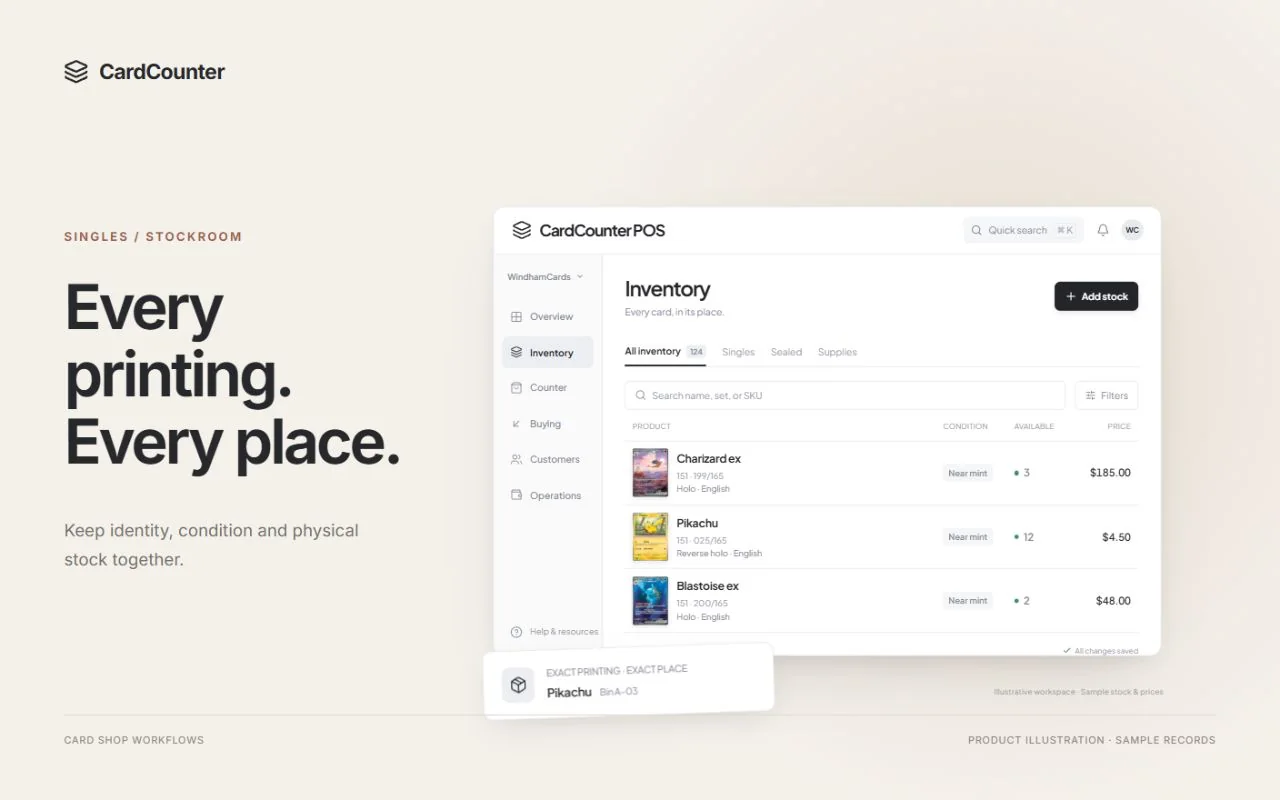
The best way to organize trading card inventory is to connect three things: the exact item, where it physically sits, and how many copies the shop can actually sell. A beautifully sorted box still causes problems if its digital quantity is wrong. A complete catalog entry is equally frustrating when nobody knows where the card went.
Choose one area that staff use often: the front display case, a popular game, or a row of singles boxes. Count what is there, agree how items will be named and labeled, and work through a few sales before expanding. A small trial exposes unclear rules while they are still easy to fix.
Give one person responsibility for maintaining the rules, but ask a different employee to test them. That employee should be able to find an item from its record without needing the original sorter to explain it. Keep the written instructions short enough to use during a busy shift.
Define an exact card before defining its quantity
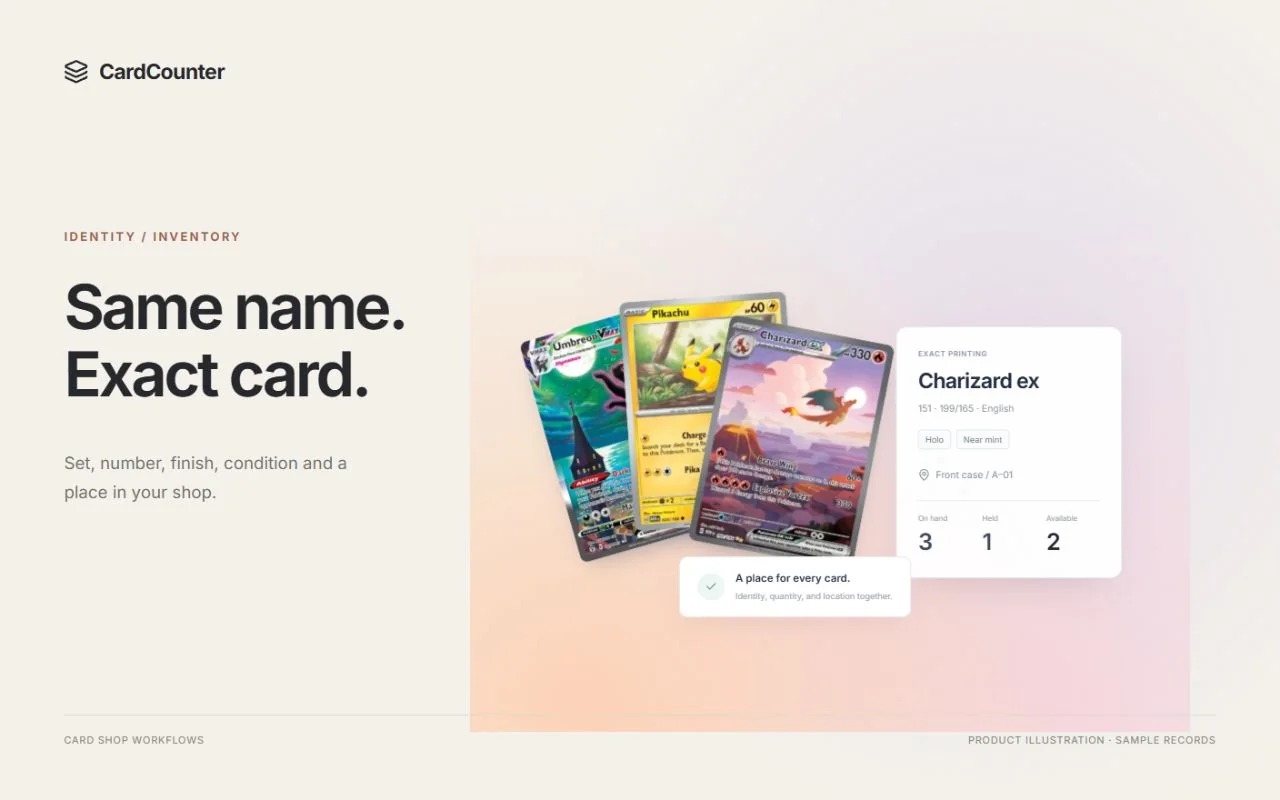
A card name is a starting point, not a complete stock identity. Record the game, set, collector number, language, printing or finish, and the condition you are selling. Keep professionally graded stock distinct from raw copies, including the grader and the relevant slab details. Do not merge similar names simply because a search result looks familiar.
For a fictional example, imagine two copies of Nova Dragon from the same set. One is a regular finish in Near Mint condition; the other is foil with visible wear. They need separate sellable identities even if they sit next to each other. Receiving or selling one must not silently change the quantity of the other.
TCGplayer’s individual-listing guidance also tells sellers to verify the product version and set quantities for the appropriate product and condition. Use the same discipline at your own counter. Keep your shop SKU stable and store an external catalog identifier separately rather than treating every provider’s ID as interchangeable.
If identification remains uncertain, record the unresolved detail and keep the card in review. Choosing the first plausible search result creates a confident-looking record that another employee may trust. Resolve the uncertainty before treating that copy as available stock.
Sources: TCGplayer: listing individual products; CardCounter: inventory workflow
Choose a storage rule your team can maintain
There is no single physical sorting method that suits every shop. Grouping by game, then set and collector number, can work well when staff usually know the printing they want. Alphabetical storage can suit name-based pulling. A numbered-bin system can be easier when frequent acquisitions make repeated resorting impractical.
BCW’s published examples describe stores using different approaches, including color and alphabetical grouping, and set-based sorting with condition separation. Those are examples to learn from, not proof that one method will be fastest in your shop. Test your choice with the way your staff actually search.
Separate bulk, browseable singles, display stock and graded cards where their handling needs differ. Use suitable protective storage and dividers, and leave enough room to add stock without forcing a full rearrangement. If valuable cards move to a display case, update their recorded home rather than relying on everyone to remember the move.
Give each location a label that survives a price change
A location label should describe a place, not today’s contents or price. A code such as SINGLES-A-03 can mean a particular box and row. A display slot might use CASE-01-B. Pick a simple convention, label the physical storage clearly, and use that same spelling in your stock records.
The table below is a fictional location map. Its purpose is to make the next employee’s job obvious. Your actual system can be simpler, provided it distinguishes the places that matter and records moves. Keep an overflow location explicit so “somewhere behind the counter” does not become a hidden second stockroom.
When a SKU has copies in two places, record the quantities in each location. Do not duplicate the full shop quantity on both labels. Barcode labels can help staff retrieve the correct record, but the printed label still needs a human-readable identity and a location that matches the shelf.
| Example location | Physical home | Stock rule |
|---|---|---|
| SINGLES-A-03 | Singles cabinet A, box 3 | Owned, inspected raw singles |
| CASE-01-B | Front case 1, section B | Display copies tracked in this location |
| INTAKE-REVIEW | Marked inspection tray | Pending review; keep outside sellable stock |
| RETURNS-REVIEW | Separate returns tray | Reinspect before a restock decision |
Finish collection intake before putting cards on sale
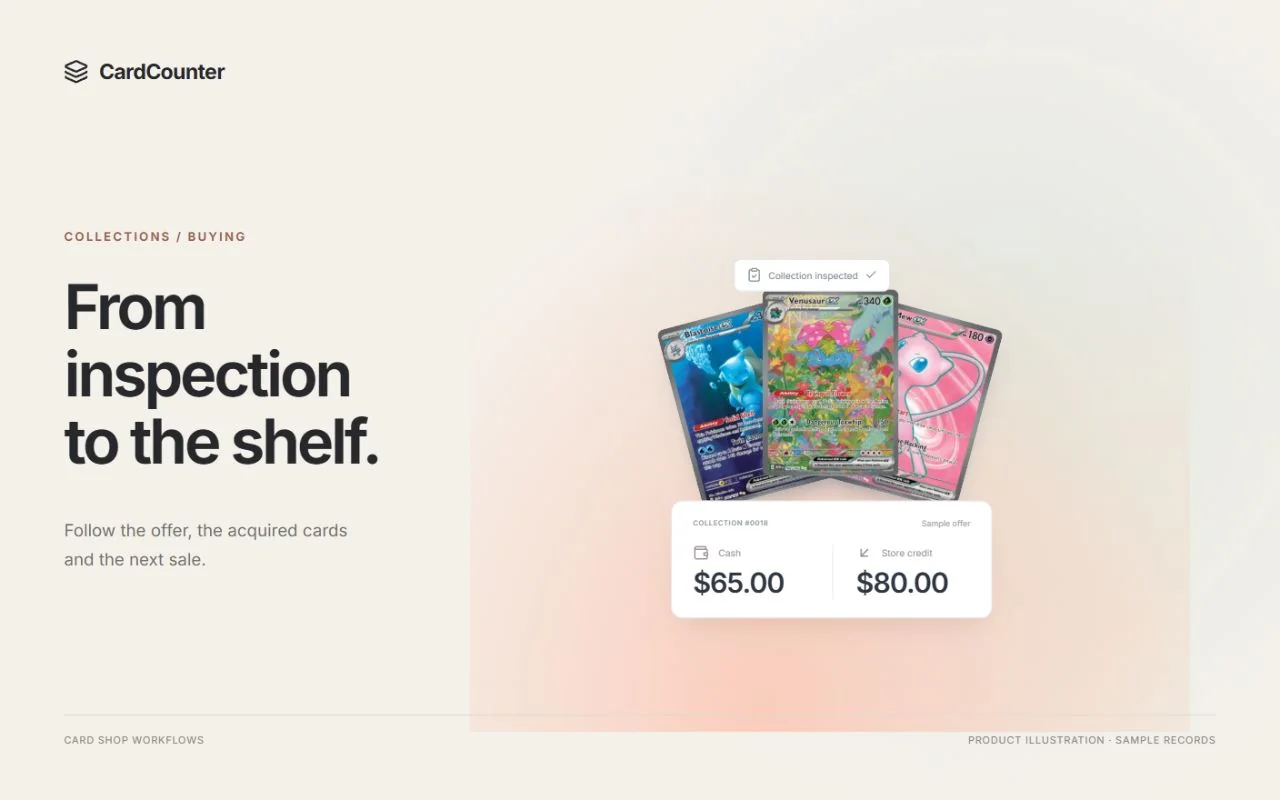
A collection arriving at the counter is not automatically shop inventory. Keep cards awaiting identification, condition review or an accepted purchase in a clearly marked intake area. Record the handoff in your buying workflow so a shift change does not leave staff guessing who owns the cards or whether an offer was accepted.
For each acquired item, confirm the exact identity, the quantity, the inspected condition and its destination. Record acquisition cost when you know it. If a collection was bought for one total, agree how that cost will be allocated and keep unresolved costs visible until the review is complete.
Finish the stock entry and physical placement as one task. An employee who records a card and leaves it loose beside the register has only completed half the job. CardCounter’s collection-buying and inventory workflows are useful places to review how accepted terms, acquired items, costs and locations stay connected.
Separate physical stock from stock available to sell
A customer’s parked basket or a valid reservation can make a physical copy unavailable to another sale. Staff need to see that distinction before promising the last card to someone else. In a simple example with no other restrictions, five sellable copies on hand and two active holds leave three available.
Write down what creates a hold, who can release it, and how staff check its current status. A card sitting in a customer’s browsing pile should not become a second sale while a valid reservation exists. Equally, a canceled or expired reservation should not leave stock unavailable indefinitely.
Use the system’s current availability rather than mentally subtracting from an old list. Keep supplier orders and expected deliveries separate from stock physically received. If you sell through another channel, confirm its actual quantity mapping and recovery behavior; a central record alone does not prove that every marketplace is synchronized.
| Simplified example | Copies | Meaning |
|---|---|---|
| Sellable stock on hand | 5 | Physically received and eligible stock |
| Active holds | 2 | Already reserved for another valid workflow |
| Available to sell | 3 | On hand minus holds in this example |
Keep acquisition cost separate from asking price
Organized inventory should explain what the shop owns, not just what it hopes to sell it for. Acquisition cost, current shop price and a dated market reference answer different questions. Store them distinctly so a price review does not erase the history of a purchase.
When cost is unknown, leave that gap visible. Entering zero just to fill a field can make a margin report look complete when it is not. Decide who reviews missing costs and how an agreed collection cost is assigned. Review the affected records before treating a report as a measure of shop performance.
Give permanent price changes a deliberate review step, especially across a large batch. A reference price can be useful context, but it does not identify the physical card, establish its condition or set your shop’s offer automatically. CardCounter’s reporting pages explain why cost coverage belongs beside sales and inventory figures.
Count small areas and investigate the differences
Use regular cycle counts to check a manageable box, bin or case instead of waiting for one exhausting annual cleanup. Count a defined area at a controlled point in the shift. If sales or transfers continue while counting, account for those movements before posting a correction.
For a mismatch, check the nearby locations, exact printing, recent sales, reservations, transfers and returns. Two similar variants can produce an apparent shortage in one record and an apparent surplus in another. Correcting both totals without investigating may hide the original identification error.
Record the reason for an approved adjustment and retain the original history. Returned cards need their own inspection and restock decision; a refund does not establish that a physical copy is ready to sell again. Use recurring discrepancies to improve a label, handoff or intake rule, rather than simply resetting the quantity each week.
Treat an inventory import as a controlled stock task
Before importing a spreadsheet, keep an export of the existing records and read the destination’s current template. Match the fields that define the item, quantity, location and cost. Decide whether quantities are additions, replacements or opening balances; those meanings are not interchangeable.
TCGplayer’s CSV documentation illustrates this distinction: its Add to Quantity field changes an existing quantity, while its workflow separately reviews staged updates before moving them live. That is a description of TCGplayer’s process, not a claim that its file is automatically compatible with CardCounter or another POS.
Test a representative small batch with two similar printings, different conditions, a zero quantity and a known location. Review row outcomes and reconcile the resulting physical totals before importing the rest. In CardCounter, use the current opening-inventory template and preview workflow documented in the inventory handbook. Keep the original file and the review notes so an exception can be explained later.
Sources: TCGplayer: importing and exporting inventory CSVs; CardCounter: inventory handbook
Make the system part of the working week
A useful inventory routine is small enough to repeat. At the end of a shift, resolve loose cards, unfinished intake and unexplained moves. Once a week, choose a defined area to count, review missing costs and check that holds and return trays have clear next actions.
Write down the exceptions that required a manager’s explanation. If the same question keeps returning, improve the underlying rule. A new employee finding the right card and explaining its quantity is a more useful test than a tidy photograph of a shelf.
Bring a sample of your own inventory rules to a CardCounter walkthrough: two similar cards, a small collection, a location move and a count difference. Ask to follow those examples from the physical item to the stock record and back again. That exercise connects the organization plan to the work your shop does every day.
- Confirm exact identity and condition before receiving owned stock.
- Finish physical placement and the location record together.
- Check current availability before promising the last copy.
- Review returns, unfinished intake and missing costs.
- Count one defined area and retain reasons for corrections.
- Test a small import before changing the full inventory.
Questions before you choose
Should a card shop organize singles by set or alphabetically?
Choose the method that matches how your staff search, then use it consistently. Set and collector number can support printing-based searches; alphabetical grouping can support name-based pulling. A stable location record matters whichever physical sort you choose.
Do I need a separate SKU for every condition?
Keep sellable variants distinguishable by exact printing, finish, language and condition. The system should let staff receive or sell one condition without silently changing another. Its internal SKU design may vary, so verify that behavior with real examples.
How often should I count trading card inventory?
Start with regular small-area counts that your team can sustain, then adjust frequency around stock movement, value and recurring discrepancies. Control movements during the count and investigate differences before approving adjustments.
Can a scanner replace inventory inspection?
A scanner can help identify a candidate item, but staff still need to confirm the exact printing, condition, physical quantity, ownership and location. Recognition alone does not complete a collection purchase or establish that a card is ready to sell.
Official sources
Features, packages and availability can change. Use the current provider documentation alongside your own demonstration.
- TCGplayer: listing individual products Checked October 8, 2026
- BCW: examples of card-store organization Checked October 8, 2026
- TCGplayer: importing and exporting inventory CSVs Checked October 8, 2026
- CardCounter: inventory workflow Checked October 8, 2026
- CardCounter: inventory handbook Checked October 8, 2026
Product and company names belong to their respective owners.