What to take into the demo
- Bring a sample collection with similar printings, different conditions and one unresolved item.
- Follow custody, inspection, the current accepted quote, acquisition and settlement separately.
- Check the customer record, acquisition cost, physical location and any outstanding task before handover.
Keep custody and ownership clear
A reliable collection intake process keeps five decisions visible: whose property is in the tray, which cards have been inspected, what offer the customer accepted, whether an acquisition was recorded, and what settlement remains. Until the permitted acquisition is complete, an arrival is customer property rather than sellable shop stock. Use the checklist below to keep one stage from becoming accidental proof of another.
That distinction matters during an ordinary busy afternoon. A customer leaves a binder for review, a buyer examines some valuable singles, and the next shift sees a box behind the counter. Without a recorded status, someone may assume the shop has bought everything. A tray reference and a clear record let the next employee find the property and understand what is still awaiting a decision.
Give staff a practical stopping rule: an unresolved identity, unaccepted change or unknown payment outcome needs review before the related action continues. Separate the stages so the team can distinguish an inspection task, a customer decision, an acquisition action and an outstanding payout. CardCounter documents those stages separately in its collection workflow.
| Stage | Record to check | What it does not prove |
|---|---|---|
| Arrival | Verified customer, tray reference and declared items | The shop owns or can sell the cards |
| Inspection | Exact identity, quantity, condition and reviewed offers | The customer accepted those terms |
| Acceptance | Current quote, chosen mode and recorded acceptance | Acquisition or payment is complete |
| Acquisition | Permitted receipt of the accepted items and linked costs | Cash was physically handed over |
| Settlement | Recorded cash handover or approved wallet issuance | Every card has reached its stockroom location |
| Handover | Owned stock, destination and any remaining payable or exception | An unresolved task has disappeared |
Record the customer, tray and declared items
Start by finding the correct customer record and confirming the information needed for this collection. Similar names deserve a second check before staff discuss a credit balance or attach property to an account. Give the collection a tray or container reference that stays readable while it moves around the buying desk. Keep the physical label and the recorded collection together throughout the review.
Record what arrived without presenting a customer description as a verified inventory entry. A declared quantity of twenty cards is different from twenty inspected copies of a known SKU. If the customer supplies a list, retain its role as the starting description and record the findings from inspection separately. Note containers and accessories that need returning so an accepted offer for selected singles does not silently include the binder.
Assign a buyer and a realistic next step. If the review cannot happen immediately, record where the tray is stored and how staff will continue the conversation. Keep private customer information in the appropriate staff record. Another employee should be able to locate the collection without opening unrelated customer records or relying on somebody remembering it.
Confirm identity and merchant condition
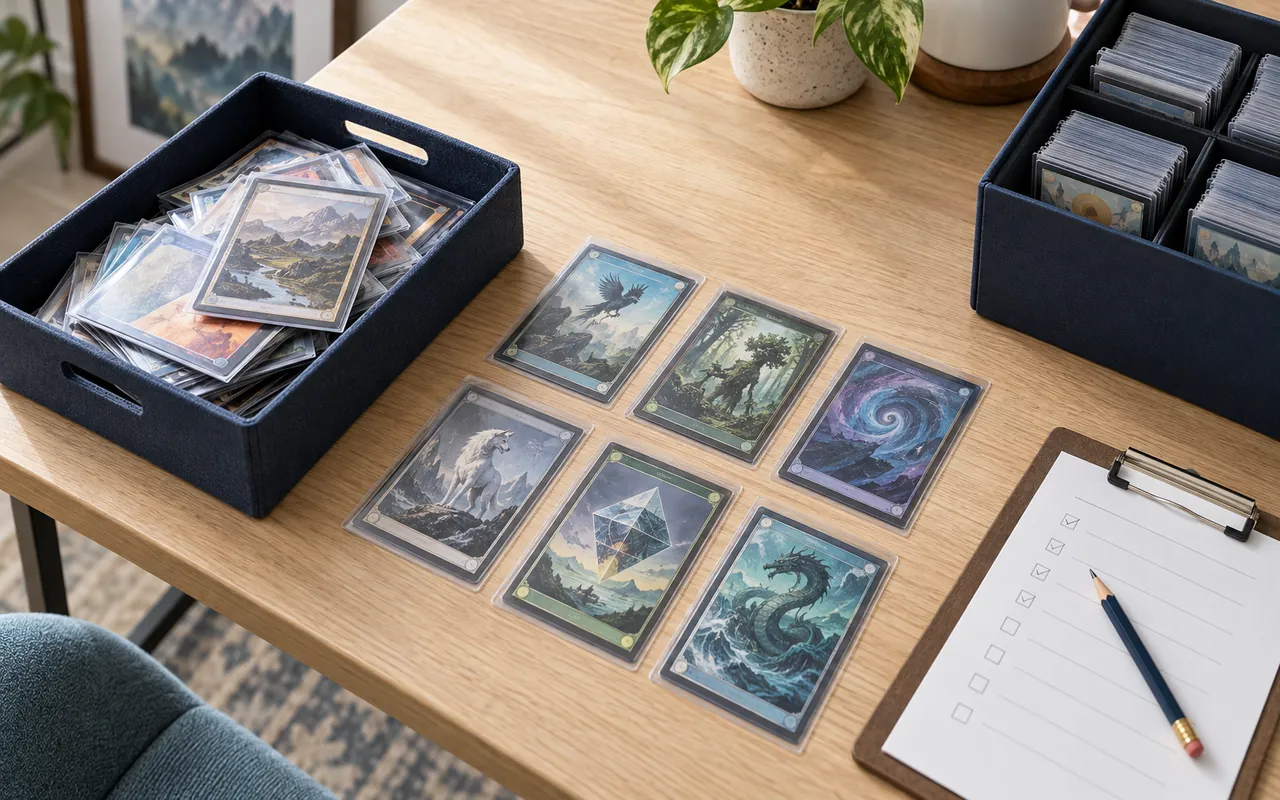
Inspect each line against the physical card. Confirm the game, set, collector number, language and finish before attaching the exact shop item. Two cards with the same name may belong to different printings, and two copies of one printing may have different conditions. Count the copies actually present. Keep a doubtful match unresolved rather than selecting the first plausible catalog result just to complete the line.
Use consistent lighting to inspect corners, edges, surface and both sides. Record the shop condition and an explanation of material wear. TCGplayer publishes marketplace categories from Near Mint through Damaged, with criteria for imperfections. Consult the applicable current standard when preparing stock for that channel; a marketplace condition is different from a professional slab grade.
A useful note is specific enough for another buyer to understand the decision: for example, an edge mark on the back or a visible surface indentation. Identification assistance and photographs can support the review, but do not turn an uncertain printing into a confirmed item or certify authenticity. Separate any item needing specialist review from the straightforward lines, and make its next action explicit before discussing a final offer.
Sources: CardCounter: inspect cards and confirm identity; TCGplayer: Card Conditioning Overview
Set cash and credit offers against the inspected lines
Build offers from the reviewed identity, quantity and condition rather than from a rough count of the box. Keep a dated market reference, your shop asking price and the amount you are willing to offer distinct. A reference helps the buyer assess a card; it does not establish the condition of this copy or require the shop to buy it at a fixed percentage.
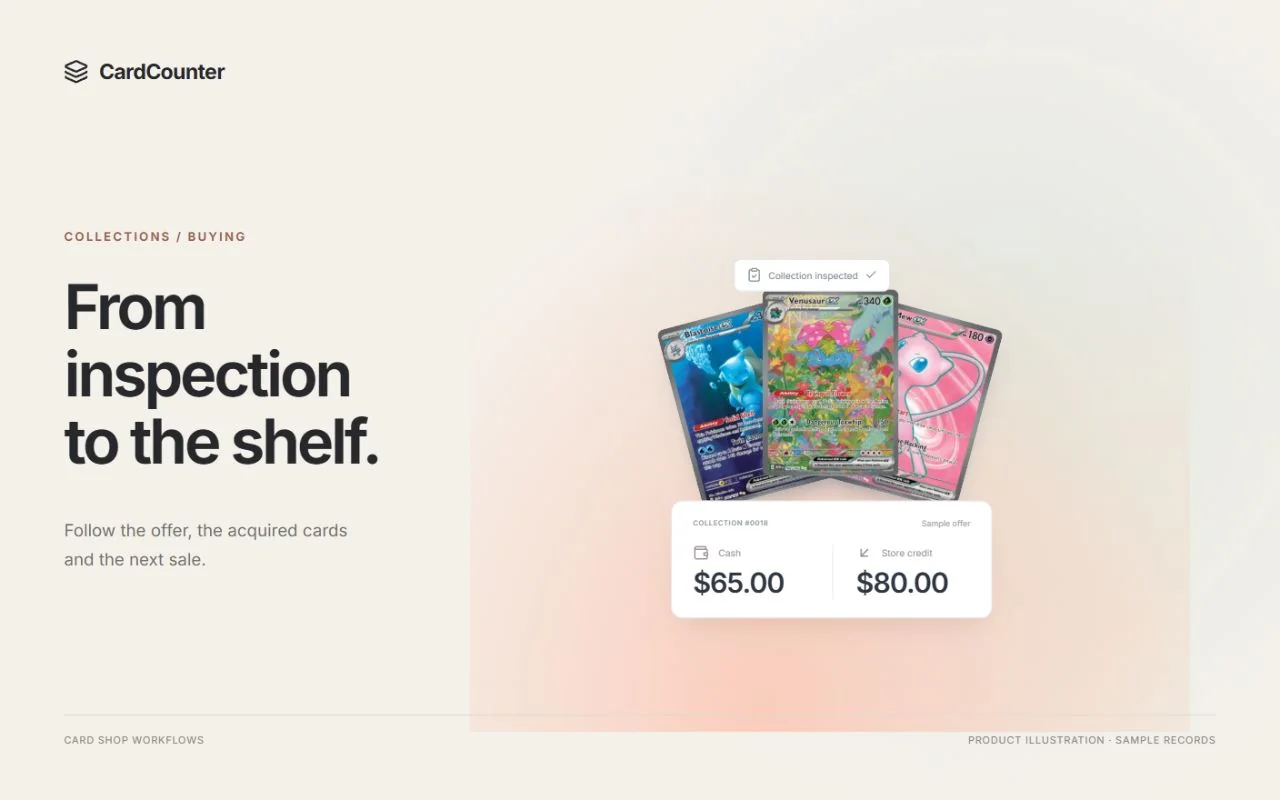
Where you offer both cash and store credit, explain each total and its terms clearly. In a fictional example, a shop might propose $120 cash or $150 credit for the same inspected selection. Those are alternative offers, not two amounts to issue together, and the figures are not a recommended buying rate. Confirm which items are included, which are declined and what happens to any unresolved cards.
Check the intended customer account before selecting the credit mode. Recorded credit, the amount currently available to spend and loyalty points answer different questions. CardCounter keeps wallet history and reservations visible; an available balance can differ from the ledger balance. Explain the chosen offer using the correct currency and the supported shop workflow, and avoid promising redemption through an outside channel that has not been verified for the account.
Sources: CardCounter: quote and record an accepted offer; CardCounter: review store-credit balances
Capture acceptance of the current quote
Before asking the customer to decide, review the exact inspected selection, quantities, conditions and total in the current quote. A buyer can correct an earlier estimate during inspection, but the customer needs to see the revised terms. An offer preview or an informal conversation is not a substitute for the acceptance record required by the actual workflow. Make the chosen cash or credit mode unambiguous.
If an item changes after acceptance, stop and review whether the quote and acceptance need renewing. Suppose a card initially described as a regular finish turns out to be a different variant, or one promised copy is missing. Do not carry the earlier approval forward as permission for a changed purchase. Record the corrected selection and follow the current acceptance step before receiving the affected items.
Linked online buying requests may have a different acceptance path from a collection handled entirely at the counter. CardCounter documents that a revised inspected online offer can require acceptance through the customer’s private status page. Keep private status codes private, and follow the path indicated for that collection. The next shift should be able to establish which version was accepted from the record, without reconstructing a conversation.
Verify the acquisition and settle once
Use the permitted acquisition flow for the accepted items, then read its resulting state. Physical possession, recorded acquisition and completed payment remain separate facts. A shop can have received owned stock while an approved cash amount is still recorded as payable. Staff should see that outstanding amount clearly rather than assuming that a stock receipt proves the customer has been paid.
For a cash settlement, check the required role, approval and drawer readiness, verify the real handover and read the recorded payout result. For credit, check the correct customer wallet and the agreed issuance amount. Buying access alone does not establish permission for every settlement action. Keep the reference that links the acquisition to the till or wallet activity, so the person reviewing the close can trace what happened.
Reconcile a lost response before repeating a handover. If a screen refreshes after confirmation, inspect the existing acquisition and payout records before requesting another settlement. The same caution applies to credit issuance: do not create replacement credit because the first result is unclear. Resolve the saved reference and current status through the appropriate manager or support path before risking duplicate payment.
Keep collection cost separate from selling price
A collection bought for one negotiated total still needs a useful cost history for its acquired items. Review the accepted quote and quantities before preparing the supported allocation. Keep the plan tied to that purchase instead of distributing an unrelated current market value across the stock. Make the basis understandable to the employee who will review costs later.
For a simple fictional purchase costing $180, two reviewed groups could receive agreed allocations of $72 and $108. The allocated amounts reconcile to the purchase total; the example does not prescribe a valuation method. If a group contains several copies, check how the system represents quantity and per-copy cost so a line total is not accidentally repeated on every item.
Leave missing or unresolved costs visible until the designated person reviews them. Entering zero to make a field look complete can distort later margin interpretation. Do not overwrite acquisition history when adjusting a shop selling price. Where a trade also includes a sale, use the supported linked records rather than collapsing buying cost, customer credit and sale tender into one improvised balance.
Hand owned stock to the stockroom
Once the appropriate acquisition is recorded, complete the stockroom handover with the exact received items, quantities, conditions and costs. Match the physical cards to the resulting stock records rather than moving the whole intake tray into a sales case. Return or separately track anything the shop did not acquire, including unresolved cards and the customer’s containers.
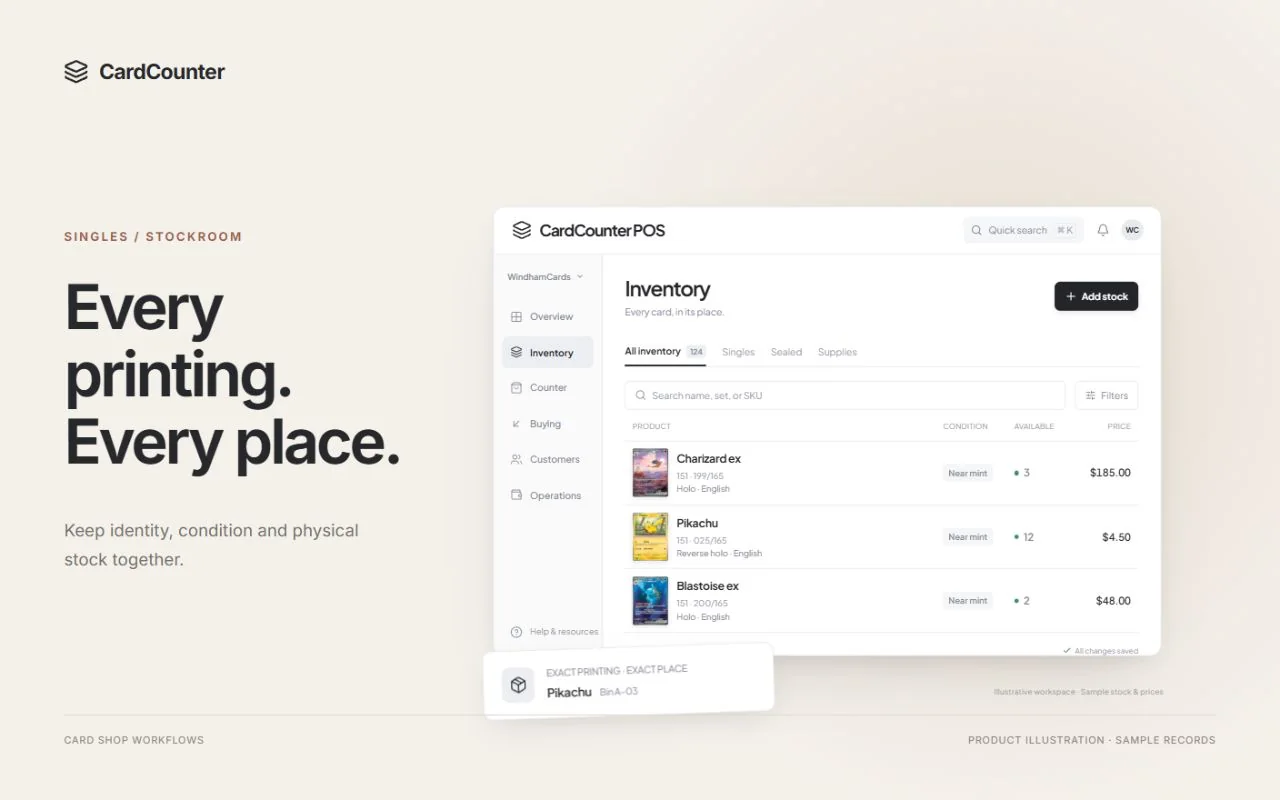
Give each acquired item a destination and finish the physical placement. A card entered in inventory but left loose by the register remains difficult to find. Keep an intake reference available for investigating a later mismatch, while using the inventory record to show the actual bin or case location. Check held and available quantities before promising a copy to another customer.
This is the point where intake hands responsibility to everyday stock management. The collection record explains the purchase; the stockroom record explains the exact item and where it can be found. Our inventory organization guide covers physical sorting, SKU identity and small-area counts in more detail. Use it to establish the storage routine after the buying decisions are complete, rather than making the intake checklist carry every stockroom task.
Leave an exception ready for the next shift
Finish a handover by naming the exception, its current owner and the next useful action. “Waiting” is too vague for a tray holding both purchased cards and items still needing review. Specify whether the next step is identity research, a customer decision, permission for a payout, reconciliation of an unknown result or completion of a cost allocation.
For example, a partially inspected collection may need another buyer to review two unusual printings while the remaining lines are ready for an offer. Keep the unresolved cards physically distinguishable and retain the current quote status. If an acquisition is already recorded with a payable, hand over the settlement reference and remaining amount instead of describing the entire collection as unpaid property.
At the next shift change, compare the outstanding queue with the actual intake area. Investigate a missing tray or a completed action that still appears open before making corrections. Clear ownership of follow-up work makes the checklist useful beyond the person who started it. Retain the original history and use the permitted correction or support flow when records disagree; quietly rewriting the story makes the next discrepancy harder to explain.
Sources: CardCounter: record a collection arrival; CardCounter: settle a buying payout
Use a small closing checklist and a real walkthrough
End each completed intake with a brief record review: the correct customer, included and returned items, current accepted terms, acquisition result, settlement or remaining payable, allocated costs and stock locations. For an unfinished collection, use the same review to identify the precise open step. This makes the handover more useful than a general completed tick beside a box of cards.
When evaluating software, bring a small mixed collection rather than asking only whether it supports buying. Include similar printings, a condition disagreement, one unresolved item and a changed offer. Ask the demonstrator to follow the customer record through acceptance, acquisition, a cash or credit outcome and the final stockroom entry. Also ask how the team reviews a lost confirmation and continues work at a shift change.
CardCounter’s collection-buying workflow is included in Essentials and Pro, with access, approvals and setup requirements applying to the actions staff can take. Accounts and onboarding are coordinated with the team. Book a walkthrough around your sample collection and confirm the permitted buying, settlement and stockroom steps for your shop. A useful demonstration should leave you able to follow the records as confidently as you can follow the physical cards.
- Customer and tray reference match the property being handled.
- Exact items, quantities and merchant conditions have been reviewed.
- The current quote and chosen offer mode have the required acceptance.
- Acquisition and payment status are checked separately.
- Costs, locations, returned items and open exceptions have an owner.
Questions before you choose
When does an arriving collection become shop inventory?
Arrival records custody of customer property. Use the permitted acquisition flow after the current terms have the required acceptance, and verify the resulting stock record. A tray label, inspection or accepted conversation alone does not establish sellable inventory.
Does receiving stock mean the customer has been paid?
No. Read acquisition and settlement separately. Check recorded cash handover, approved wallet issuance or an outstanding payable using the linked records. An unknown confirmation should be reconciled before repeating a payment.
Can the customer accept an offer before every card is identified?
Follow the supported workflow for the reviewed selection. Keep required unresolved items separate and make clear which items the quote covers. Changes to inspected quantities, condition or offers can require a new quote and current acceptance.
Is collection credit the same as loyalty points?
Store credit is a recorded customer wallet amount with issuance and redemption history. Loyalty points and their approved benefits have their own workflow. Check the correct customer, currency, current availability and the supported tender before using credit.
Official sources
Features, packages and availability can change. Use the current provider documentation alongside your own demonstration.
- CardCounter: record a collection arrival Checked October 12, 2026
- CardCounter: inspect cards and confirm identity Checked October 12, 2026
- TCGplayer: Card Conditioning Overview Checked October 12, 2026
- CardCounter: quote and record an accepted offer Checked October 12, 2026
- CardCounter: review store-credit balances Checked October 12, 2026
- CardCounter: settle a buying payout Checked October 12, 2026
- CardCounter: collection costs and trades Checked October 12, 2026
- CardCounter: exact inventory and locations Checked October 12, 2026
- CardCounter: collection buying and onboarding Checked October 12, 2026
Product and company names belong to their respective owners.