What to take into the demo
- Present cash and store credit as separate choices tied to the same reviewed items.
- Record acceptance of the current quote, then verify acquisition and settlement separately.
- Check the customer’s available wallet balance and redemption terms before promising how credit can be used.
Start with what the customer will actually receive
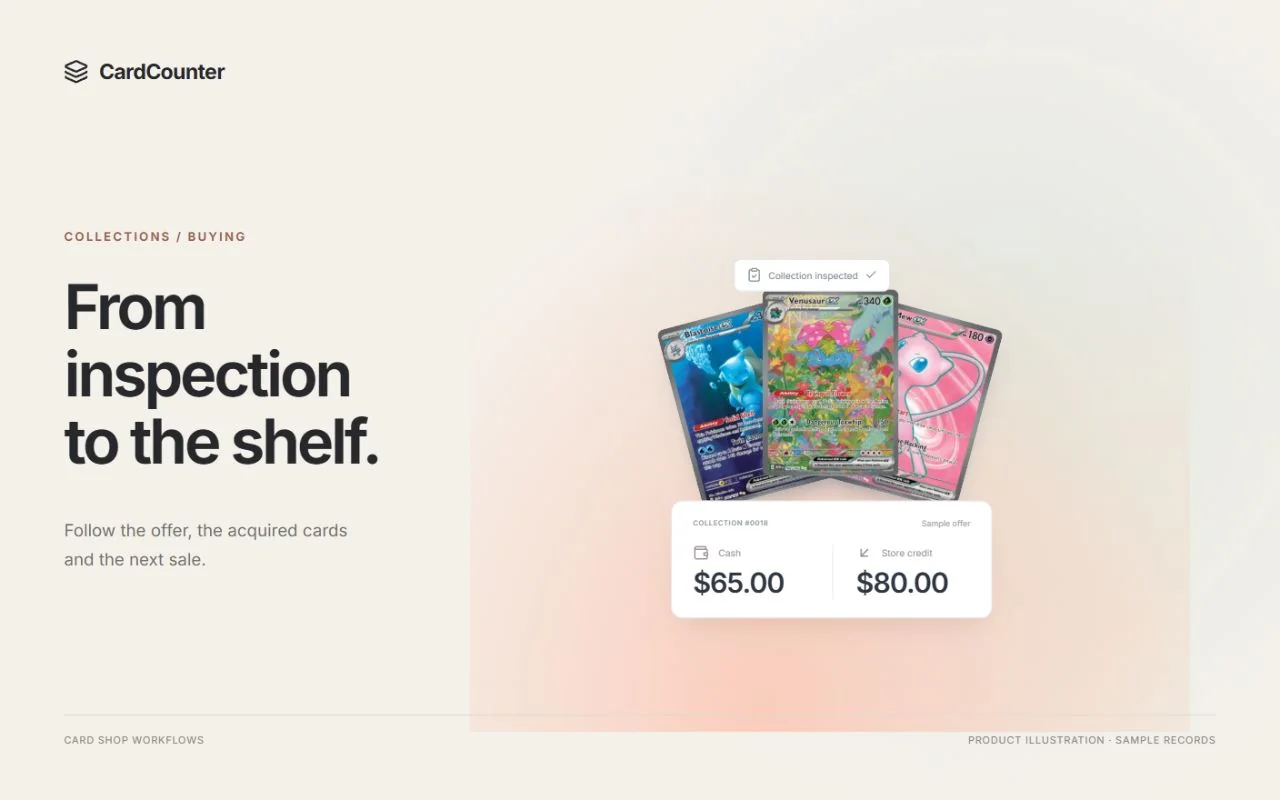
A cash offer pays the agreed amount through the shop’s supported cash settlement process. A store-credit offer issues an agreed amount to the correct customer account for eligible shop purchases. Either choice can be useful, but they are different terms. Explain the amount, included cards, chosen method and redemption scope before asking the customer to accept. Neither option becomes complete simply because staff have entered a number.
For a customer who wants to leave with money, a larger credit figure may not meet the purpose of the sale. Someone planning a later shop purchase may prefer credit, provided they understand where and how it can be spent. Staff should explain both choices without treating the higher headline amount as an automatic winner or promising that credit works through every sales channel.
The shop also needs a workable offer. Consider the inspected stock you want to acquire, the cash settlement your team can actually complete and the credit commitment you are prepared to honor. This guide explains how to communicate and record that decision. It does not prescribe a buying percentage, a credit premium or a universal valuation method.
Sources: CardCounter: quote and record an accepted offer; CardCounter: settle a buying payout; CardCounter: review store-credit balances
Make both choices cover the same reviewed selection
Before comparing totals, establish which cards are included. Keep exact printing, finish, language, quantity and merchant condition attached to the offer. A price for a Near Mint regular-finish copy cannot silently stand in for a worn foil copy. Identify excluded or unresolved items explicitly so the customer does not assume the quote covers everything in the tray.
Describe a condition disagreement in terms the customer can inspect: the affected card, the observation and the condition used for the offer. TCGplayer’s conditioning overview describes its marketplace condition categories and the role of visible imperfections. Those published standards can inform a discussion, but they do not establish a professional grade or prove that your shop has authenticated a card.
Then compare cash and credit against that same selection. If the customer takes back a card, staff discover a different printing or a quantity changes, review the affected terms. Keeping one unchanged total beside a changed collection makes the apparent choice misleading. Use the collection intake checklist for custody and inspection; keep this offer conversation focused on the reviewed selection and the two settlement choices.
Sources: CardCounter: inspect cards and confirm identity; TCGplayer: Card Conditioning Overview
Use a side-by-side offer with explicit terms
Imagine a fictional shop has inspected one small collection and offers either $120 cash or $150 store credit for the accepted selection. These are invented teaching amounts, not recommended rates or a market valuation. The customer chooses one option. The offer is not $120 cash plus $150 credit, and choosing credit does not imply a right to convert it into $150 cash.
A useful offer summary answers more than how much. It identifies the included items, the chosen settlement method, the account that would receive credit and any unresolved step before completion. Staff should be able to point from the total back to the reviewed selection. If a displayed credit premium is part of your shop’s policy, explain its basis without implying a guaranteed resale margin or customer saving.
In the example below, the customer chooses $150 credit. The $120 cash option remains an alternative that was declined; it is not a second payout waiting to happen. Keep that distinction visible in the handover. A later change of mind needs a review of the current acquisition and settlement state, rather than a note telling another cashier to pay the other amount too.
| Offer detail | Cash choice | Store-credit choice |
|---|---|---|
| Included property | The same inspected collection | The same inspected collection |
| Fictional agreed amount | $120 | $150 |
| What completion requires | Recorded cash handover through the permitted payout | Recorded issuance to the verified customer wallet |
| What the amount does not mean | No additional $150 credit | No additional $120 cash or automatic online redemption |
| Chosen in this example | Declined alternative | $150 credit, subject to current acceptance and confirmed issuance |
Sources: CardCounter: quote and record an accepted offer; CardCounter: settle a buying payout
Record the chosen mode on the current quote
In CardCounter, prepare the reviewed cash or credit quote and inspect its total and current revision. Record acceptance through the supported flow for that collection. A rule preview is not a customer quote, and acceptance of an older revision cannot authorize changed inspected terms. The practical question is whether the customer agreed to this selection, this amount and this mode.
Treat a switch from cash to credit as a terms check, not merely a different payment button. Confirm the total the customer now accepts and read what the system has actually prepared. As a separate vendor example, TCGplayer’s BinderPOS POS Buy guidance warns that changing its cash/credit toggle does not retroactively reprice products already added to the cart. That is a documented BinderPOS behavior, not a claim that every buying system behaves identically.
For an in-person collection, explain the final summary before recording the permitted acceptance. A linked online buying request can have its own current-offer acceptance step. Do not substitute a staff recollection of an earlier conversation for the required record. If a review changes the included items or amount, bring the customer back into the decision before proceeding.
Sources: CardCounter: quote and record an accepted offer; TCGplayer: How to Use POS Buy
Verify payment separately from receiving the cards
Once the current terms have the required acceptance, follow the permitted acquisition and settlement actions. Receiving the collection into stock and paying its owner answer different questions. A stock receipt shows an inventory outcome; it is not evidence that cash changed hands or that credit reached a wallet. Read the resulting acquisition and payout status before describing the collection as fully settled.
For cash, check the accepted amount, the ready drawer and the actual handover through the recorded payout. If the acquisition remains payable, make that unfinished state clear to the next employee. A customer leaving without cash should not have to rely on a vague promise that somebody already handled it. The relevant evidence is the settlement record and its linked till activity.
For the fictional credit choice, verify that $150 was issued to the intended customer’s wallet and that the linked acquisition shows the expected settlement result. Check the amount and reference, rather than assuming the quote itself created credit. CardCounter’s documented payout actions depend on staff permissions, company access, shop approval and method readiness. Confirm those requirements for the shop during setup.
Read available credit, not just the recorded balance
Store credit needs its own balance check when the customer later buys something. CardCounter distinguishes the recorded wallet balance from the amount available when active reservations exist. Verify the customer and currency, then inspect the current available amount and activity. A familiar name or an old receipt is not enough to establish which account should fund the sale.
Extend the fictional example with an existing $20 balance. Confirmed issuance of the $150 collection credit makes the recorded balance $170. If a separate active checkout has reserved $30, only $140 is available under these simplified assumptions. Issuing another $30 to make the screen match $170 would create extra credit rather than resolve the reservation. Inspect the associated cart or hold instead.
Now assume the customer completes an eligible $50 purchase from the available amount, with the separate $30 reservation unchanged and no other movements. The recorded balance becomes $120 and availability becomes $90. Use the actual system result at the counter; the arithmetic here only explains the distinction. Credit is consumed through the supported sale record, and the receipt and wallet history should show what happened.
Sources: CardCounter: review store-credit balances; CardCounter: pay with customer store credit
Explain where credit can be used before promising it
Offer terms should answer the customer’s likely next question: what can I do with this credit? Explain the supported location or counter workflow, the currency and how the customer identifies their account. If your shop has purchase restrictions or other terms, make those clear before acceptance and ensure staff can find the current policy. Do not improvise a rule to close one negotiation.
Keep store credit separate from loyalty points and other promotions. CardCounter’s customer guidance treats the wallet and points as different records, and a reward follows its own redemption flow. Calling everything a balance makes it harder for the cashier to apply the correct tender and for the customer to understand what they received for the collection.
Check online redemption independently. CardCounter’s public help expressly says counter credit does not imply automatic Shopify redemption. A linked store, a shared customer name or a mention of an integration is not proof that a specific online checkout can use the wallet. Demonstrate the supported channel before promising it, and describe any unverified channel as something the team must confirm.
Sources: CardCounter: review store-credit balances; CardCounter: pay with customer store credit
Resolve an uncertain result before repeating a payout
A lost response creates uncertainty, not evidence that nothing happened. If a cash payout, credit issuance or checkout does not return a clear confirmation, inspect the existing acquisition, settlement reference, till or wallet activity first. Ask which step is unconfirmed and what record would settle that question. Repeating the action immediately can turn one uncertain payment into two real payments.
Record a concise handover: the collection reference, customer, accepted mode, amount, current status and the person checking the outcome. Keep private customer details in the permitted shop records. The note should tell the next employee what to verify, not authorize an improvised balance adjustment. CardCounter’s payout and credit help both direct staff to reconcile existing records when an outcome is unknown.
If a confirmed result needs correction, use the authorized correction process with an amount, reason and reviewed balance. Do not create replacement credit because an active reservation reduced availability, or rewrite an acquisition cost to make a wallet total look right. Corrections should leave another employee able to understand the original event and the reason for the follow-up.
Sources: CardCounter: settle a buying payout; CardCounter: review store-credit balances; CardCounter: collection costs and trades
Finish with a record another employee can follow
Before closing the buying task, check that the inspected selection, accepted quote and settlement agree. Confirm what was acquired, which offer was chosen, whether any payable remains and where the resulting credit or cash activity can be found. Keep cost allocation linked to the acquisition; the shop’s future asking price is a separate figure from the terms accepted for this collection.
If the customer also buys cards during the visit, retain a clear purchase and sale history. CardCounter documents eligible wallet-credit trades and direct offsets with specific conditions; those flows do not mean every combination of collection, cash, credit and cart is supported. Ask the demonstrator to show the eligible path and its resulting records instead of assuming two totals can simply cancel each other.
Bring the fictional cash-or-credit example to a CardCounter walkthrough. Ask to change one inspected item, accept the revised offer, confirm the selected settlement and review wallet availability with a reservation present. Collection buying is included in Essentials and Pro, with setup and action permissions applying. A useful demonstration should make the customer’s choice and the staff handover equally clear.
- The quote names the reviewed selection and any exclusions.
- One cash or credit mode and its current amount have the required acceptance.
- Acquisition and settlement status have been checked separately.
- The verified customer’s wallet or linked cash payout matches the agreed terms.
- Redemption scope, open exceptions and the next responsible employee are clear.
Sources: CardCounter: collection costs and trades; CardCounter: collection buying and onboarding
Questions before you choose
Should a card shop always offer more in store credit?
There is no universal premium established by this guide. Set terms your shop can honor and explain each option clearly. The $120 cash and $150 credit amounts are fictional teaching values, not recommended buying rates.
Does accepting a store-credit offer immediately prove payment?
No. Confirm the required acquisition and settlement actions, the resulting status and the actual wallet issuance. An accepted quote and a confirmed payment are separate records.
Why can available credit be lower than the wallet balance?
Active reservations can reduce the amount currently available. Review the associated cart or hold and the wallet history rather than issuing replacement credit to cover the difference.
Can CardCounter store credit automatically be spent on Shopify?
Counter credit does not establish Shopify redemption. Confirm the supported online checkout, configuration and complete redemption workflow separately before promising it to customers.
Official sources
Features, packages and availability can change. Use the current provider documentation alongside your own demonstration.
- CardCounter: quote and record an accepted offer Checked October 22, 2026
- CardCounter: inspect cards and confirm identity Checked October 22, 2026
- TCGplayer: Card Conditioning Overview Checked October 22, 2026
- TCGplayer: How to Use POS Buy Checked October 22, 2026
- CardCounter: settle a buying payout Checked October 22, 2026
- CardCounter: review store-credit balances Checked October 22, 2026
- CardCounter: pay with customer store credit Checked October 22, 2026
- CardCounter: collection costs and trades Checked October 22, 2026
- CardCounter: collection buying and onboarding Checked October 22, 2026
Product and company names belong to their respective owners.