Integrate the market-data API
Use the public API reference for catalog identity, market queries, quotas and supported errors.
On this page
Before you begin
Open the public Developers area and your company’s recorded market access.
Owners and managers with developer access. Company feature access and current setup requirements apply.
Step by step
- 1
Use the correct API contract
Open the market API reference and downloadable OpenAPI or Postman resources. Review the exact endpoint and supported authentication.
- 2
Query exact identities
Use supported identifiers and variant filters rather than assuming card names are unique. Review source freshness and pricing coverage.
- 3
Respect allowance and limits
Handle the API’s current rate and allowance responses. Growth scanner lookups and external integration can share company usage.
- 4
Handle errors and retries
Follow the documented error contract, timeouts and retry guidance. Preserve non-sensitive request IDs for support without logging API keys.
On the screen
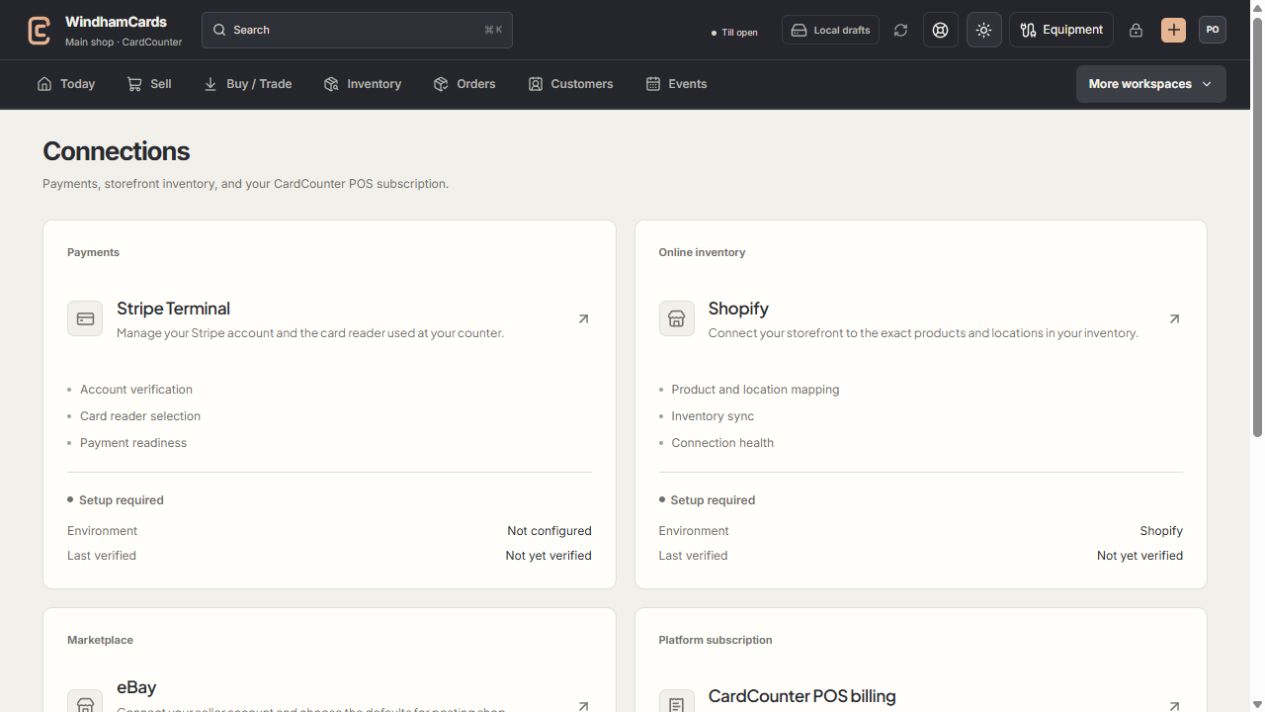
- 1Provider setup
Open the service you intend to configure or review.
- 2Status and verification
Environment and last verification are part of readiness.
- 3Separate billing
Platform billing differs from counter payments and seller postage.
Keep in mind
An API result is market reference data, not a promise of a shop selling price or card authenticity.
Use the current public reference for endpoint details. This task guide links to the maintained API documentation rather than duplicating a changing schema.
If something goes wrong
Access is denied or quota is exhausted
Check credential type, company status, permitted scope and the returned limit information. Avoid repeating requests until the stated condition is resolved.