Review billing and company access
Read the recorded package, access period, invoices and secure billing-management options.
On this page
Before you begin
Open Settings → Billing & plan as the owner.
Shop owner. Company feature access and current setup requirements apply.
Step by step
- 1
Review the current company record
Check package, subscription or pilot status, access dates and any recorded pricing. An unknown or unavailable value is not a zero-price offer.
- 2
Review allowances
Check the current market/API allowance and Growth access where shown. Company feature access still follows the saved agreement and server checks.
- 3
Manage billing securely
Use the offered secure billing portal for payment methods and invoices when configured. Card details are not stored or displayed in this workspace.
- 4
Request an agreed plan change
Use Contact billing support for upgrades, recorded pricing or access questions. A plan change can require preparing the company’s API connection before access resumes.
On the screen
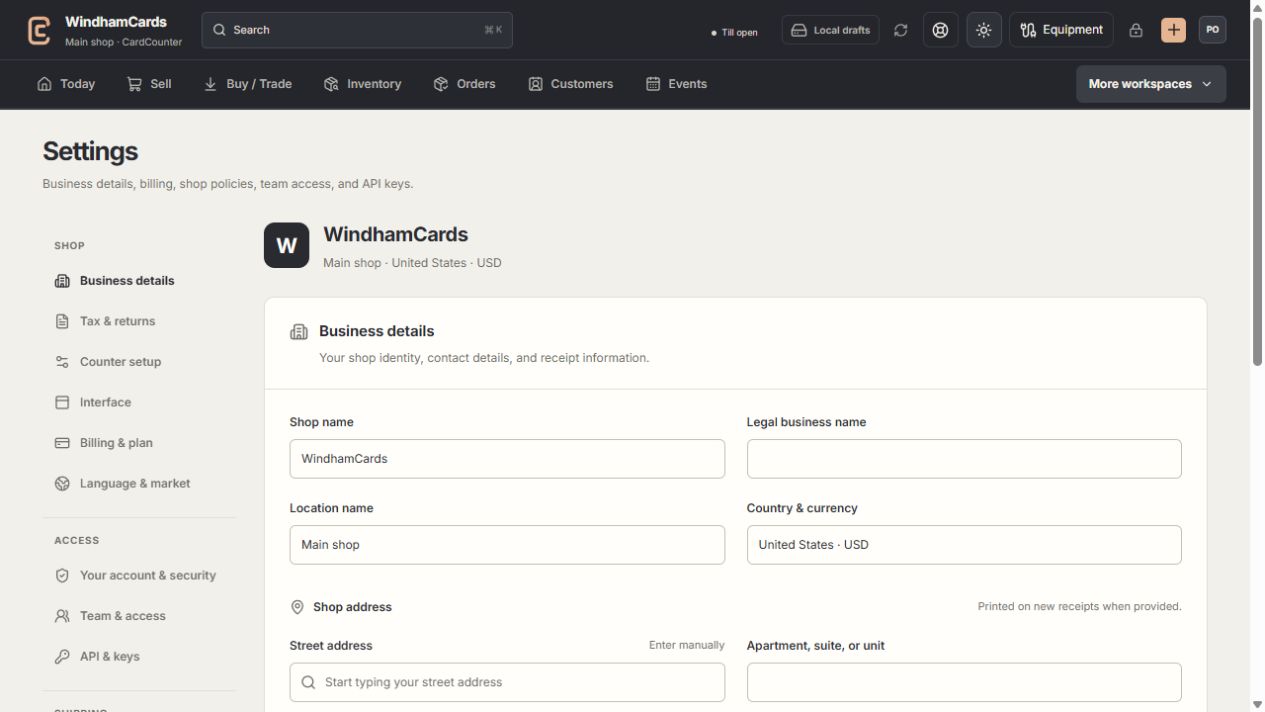
- 1Settings sections
Choose the business, policy, staff, shipping or device setting.
- 2Current values
Check the shop and location before editing a shared setting.
- 3Shop address
Complete the location address and contact fields, then save and read the result.
Keep in mind
The Windows app is included with the company subscription. A separate desktop charge is not required.
Billing readiness is independent of Stripe Terminal counter payments and seller-funded USPS postage.
If something goes wrong
No online billing link appears
The billing connection may not be configured. Use the support action rather than entering card details in a staff note.